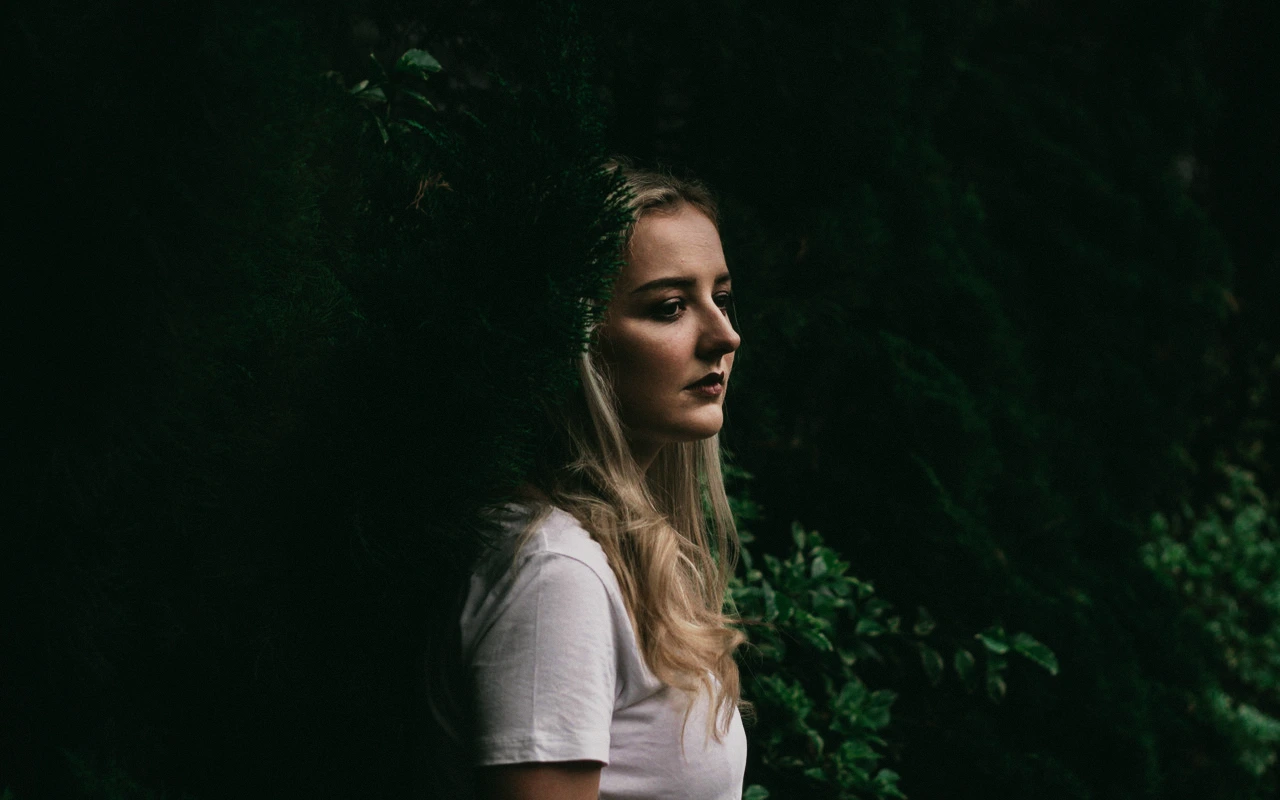
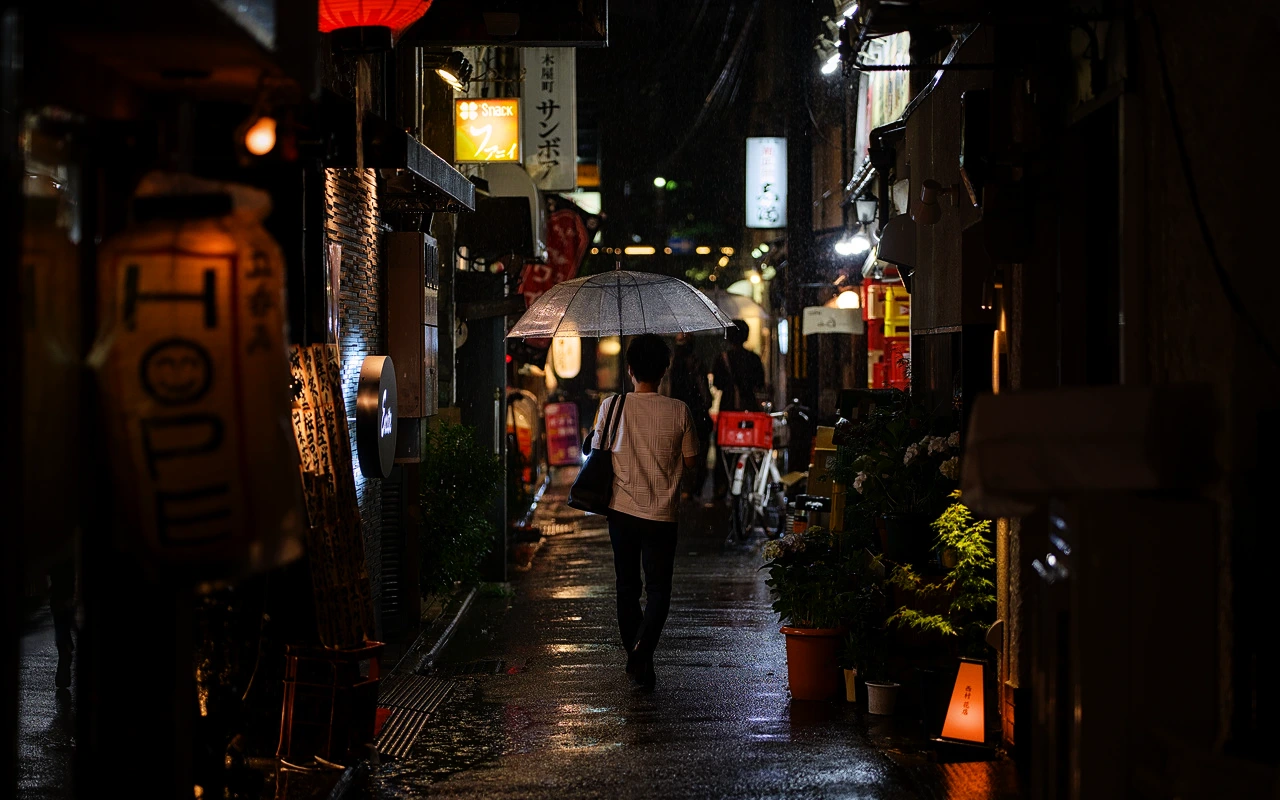
CineLook Film 250D
Wide-latitude daylight negative with a soft toe, open mids, and compressed highlights.
Visual character
Wide latitude with open daylight mids
Best for
- Mixed daylight
- High-contrast exteriors
- Natural skin tones
Lighting conditions
- Daylight
- Variable natural light
Color character
Applied to a frame, the CineLook Film 250D transform changes structure before it changes color. Contrast is low, and the curve spends its range on separation rather than punch: shadows advance by a delta of 0.01, midtones by 0.008, while highlights pull back by 0.002. The visible result is a soft toe that keeps texture in the dark values, open mids that read airy without going watery, and highlights that compress and roll off gradually instead of clipping. Balance is daylight-native, and the skin tone bias is protected, so faces keep their warmth while neutrals stay believable under mixed sources. Saturation stays modest. Grain is fine, more a surface than a pattern, giving flat areas something to hold. No color matrix is applied, so channel relationships come through untouched; the work is all curve. Sitting at the camera-negative stage, the transform leaves room at both ends for a later contrast decision, and nothing in it announces itself as an effect.
When to choose it
Mixed daylight is the natural home: sun and shade sharing a frame, open sky against bounced light, cloud cover shifting the ratio from setup to setup. High-contrast exteriors suit the transform because the lifted shadow end and the compressed highlight end meet in the middle rather than fight. Place natural skin tones in that light and the protected bias keeps complexions from drifting orange or gray as exposure moves. Across variable natural light, the wide latitude in the Look's own profile lets one grade hold a sequence together instead of demanding a separate rescue per shot. Scenes that want deep, hard contrast or heavy color saturation are better served by a starting point built for them. A frame combining all three strengths is the straightforward call: exteriors in shifting daylight with people in the shot.
Working with it in Studio
Start with Exposure, because low contrast exposes the choice immediately. If the open mids feel too loose, Contrast restores bite, while Highlights and Shadows let a frame keep the soft rolloff and still regain separation. Temperature and Tint act as finishing moves here: balance is daylight-native, so they nudge a mixed-light frame back toward neutral rather than rebuild it. Keep Saturation restrained and let Vibrance handle small color corrections without overworking the protected skin bias. Highlight Rolloff is worth pairing with the curve's own highlight compression. Film Grain, Bloom and Vignette remain app-side effects. On .cube export, Exposure, Contrast, Highlights, Shadows, Temperature, Tint, Saturation, Vibrance and Highlight Rolloff travel with the LUT; grain, bloom and vignette stay behind. Adjust in that order and the negative's own response stays legible.
How it compares
Both siblings are CineLook transforms with low contrast and soft highlight rolloff, so the differences gather at the shadow end, in the grain and in the balance. The Kodak 5219 Vision3 500T Look is tungsten-balanced, carries medium grain and lifts its shadows. The Kodak 5207 Vision3 250D Look is daylight-balanced with fine grain and neutral shadows. Film 250D lands between them: daylight-native, fine-grained, and lifted rather than neutral in the shadows, which is where the wide-latitude character comes from. Choose 5219 Vision3 500T for tungsten sources or when more visible grain suits the material. Choose 5207 Vision3 250D when you want neutral shadow density with daylight fine grain.
Where it fits in a grade
Because this Look sits at the camera-negative stage, treat it as the opening transform in the chain rather than the last. Apply it to the image first, as the base the rest of the grade builds on, then let everything else stack on top. A finishing print Look belongs after that step, once the negative is placed, where it reads as a deliberate finish rather than a repair. Low contrast and a lifted, soft-rolling shadow end let this Look absorb that later push without collapsing, and soft highlights give a print curve a gradual transition to work against. Fine grain stays quiet underneath. A print Look carrying a grade alone tends to land heavier than intended.
Transform parameters
The CineLook CineLook Film 250D transform leaves every adjustment slider at its neutral value and carries the look in its colour transform instead. Its channel matrix keeps the 1.010 / 1.012 / 1.010 diagonal and mixes at most 0.006 of one channel into another, so hues stay close to their source while crosstalk stays controlled. The luma curve sits 0.002 below the linear ramp at three-quarter tone, which is where the shoulder starts to bend.