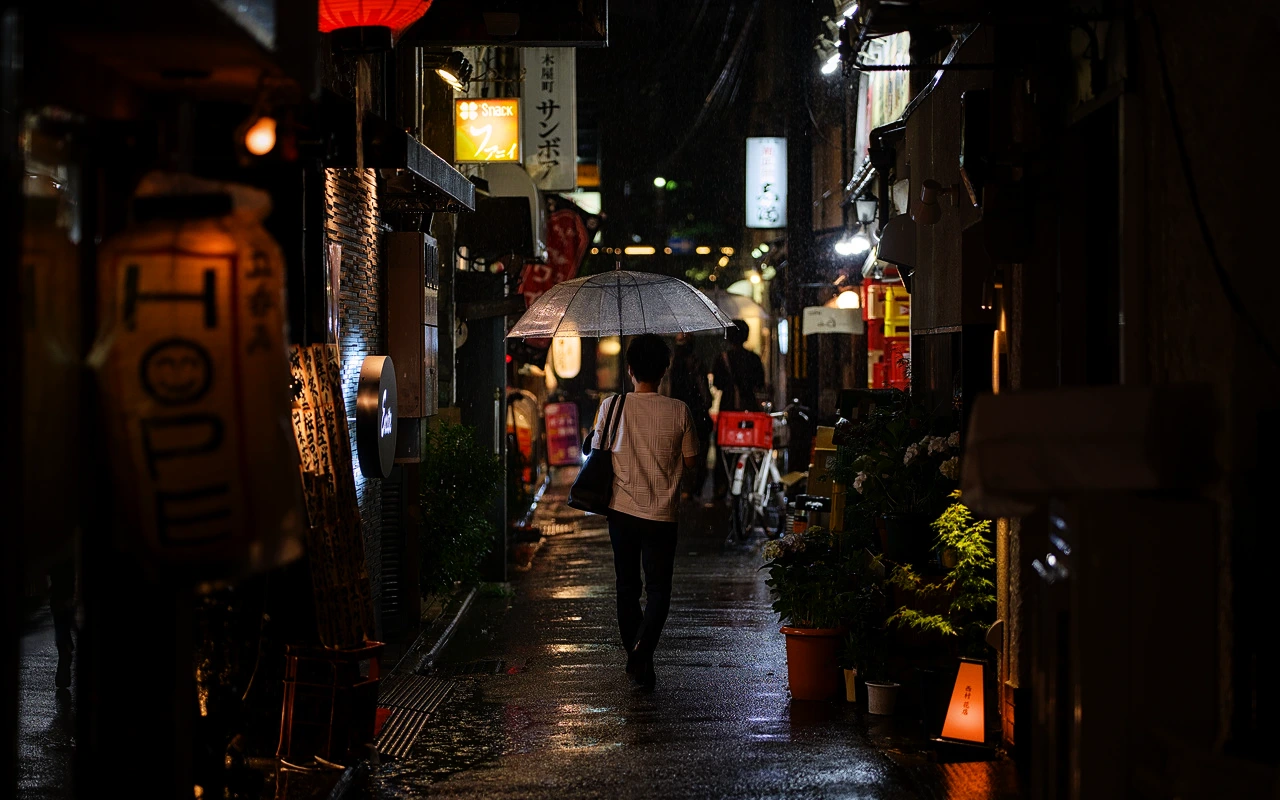
CineLook Eterna Soft
Low-contrast cinema-negative character with restrained saturation, cool shadow separation, natural skin tones and a soft highlight shoulder.
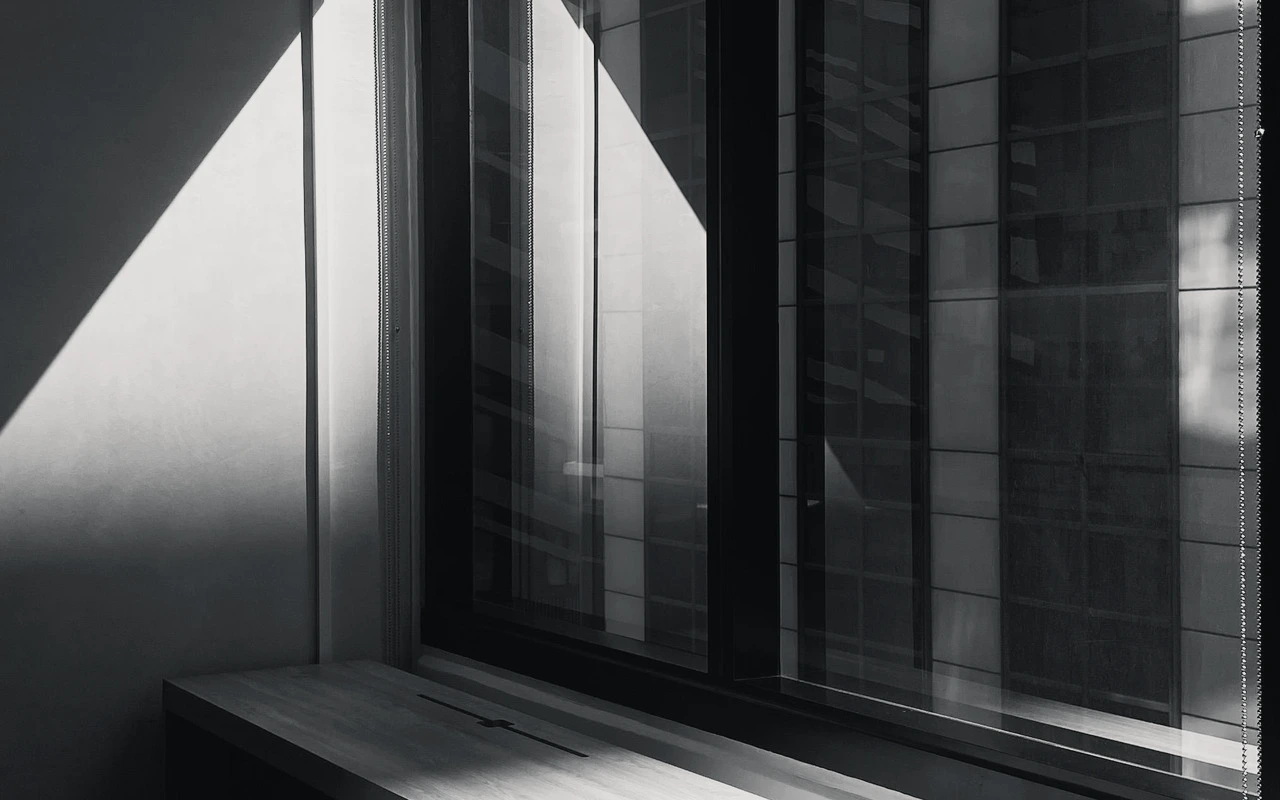
Visual character
Soft cinema contrast with cool shadow separation
Best for
- Narrative daylight
- Natural portraiture
- Low-contrast scenes
Lighting conditions
- Daylight
- Soft controlled light
Color character
The CineLook Eterna Soft transform starts from a camera-negative position and keeps contrast low. Its curve lifts shadows by 0.022 and midtones by 0.012, then pulls highlights down by 0.015, so the deepest tones open, midtone separation stays gentle, and the top end eases into a soft shoulder rather than clipping. Of those three moves, the largest sits in the shadows, which means the image opens from the bottom first. Shadows read cool and slightly separated from the rest of the frame. Skin tones are protected, so faces hold their color while the surrounding values settle. Saturation is restrained rather than absent; color stays legible without climbing toward vividness. Texture is fine-grained, giving the image a light, even structure instead of a coarse pattern. Daylight is the native balance, and ISO 250 is the nominal speed of the negative the Look describes. No matrix stage is part of the transform, so tonal shaping comes from that curve alone.
When to choose it
Reach for this transform when the story runs on faces and daylight. It suits narrative work shot under daylight, especially scenes that already sit in a narrow tonal range and do not need contrast pushed back into them. Natural portraiture is a direct match, since the protected skin tone bias keeps complexions steady while the low contrast lets expression carry the frame. Soft controlled light, from an overcast sky or a large diffused source, gives the transform room to work; lifted shadows and a gentle highlight shoulder hold detail that soft lighting already produces. Harder, directional light fits less well, because the curve will not manufacture separation a scene never had. Low-contrast interiors with daylight through windows also belong in this group. Where frames already carry deep blacks and crisp speculars, a flatter starting point can feel redundant.
Working with it in Studio
Working in CineLook Studio, place the image with Exposure first, then use Contrast sparingly: the transform already sits low, and a small positive nudge restores shape without undoing the soft shoulder. Highlights and Shadows give the finer trim, since both ends of the curve move gently; reduce Shadows if the 0.022 lift feels too open, and raise Highlights if the 0.015 pull reads flat. Temperature and Tint adjust the daylight balance, and warming Temperature is the direct counter to the cool shadows. Keep Saturation and Vibrance modest, because restrained color is part of the Look's character. Film Grain, Bloom, and Vignette are app-side finishing touches. A .cube export carries Exposure, Contrast, Highlights, Shadows, Temperature, Tint, Saturation, Vibrance, and Highlight Rolloff; grain, bloom, and vignette do not travel with the file.
How it compares
Both siblings are camera-negative Looks with low contrast and soft highlights, so balance, grain, and shadow placement carry the difference. The Kodak 5219 Vision3 500T Look is balanced for tungsten and carries medium grain, where the Eterna Soft transform keeps daylight and fine grain; both lift shadows similarly. Choose 5219 when the material was lit for tungsten and heavier grain suits the scene. The Kodak 5207 Vision3 250D Look shares the daylight balance and fine grain but keeps neutral shadows instead of lifted ones. Pick 5207 when blacks stay planted and openness comes from the midtones; stay with Eterna Soft when the cool, lifted shadow line is the point.
Where it fits in a grade
Treat Eterna Soft as the first transform in the chain, not the last. As a camera negative it supplies the base image, so settle exposure upstream, apply the Look, then hand off to a finishing print Look that sets final black density and contrast. Its soft highlight shoulder and lifted shadows leave both ends of the curve uncrowded, giving that later stage room to add density without clipping the top or flattening detail underneath. Fine grain keeps texture light enough that anything added afterward still reads cleanly. Daylight balance means the Look expects a neutral starting image, so cast and temperature correction belong before it rather than after. One base negative is enough; the role is a starting point, never the final statement.
Transform parameters
The CineLook CineLook Eterna Soft transform leaves every adjustment slider at its neutral value and carries the look in its colour transform instead. Its channel matrix keeps the 1.008 / 1.022 / 1.010 diagonal and mixes at most 0.014 of one channel into another, so hues stay close to their source while crosstalk stays controlled. The luma curve sits 0.015 below the linear ramp at three-quarter tone, which is where the shoulder starts to bend.