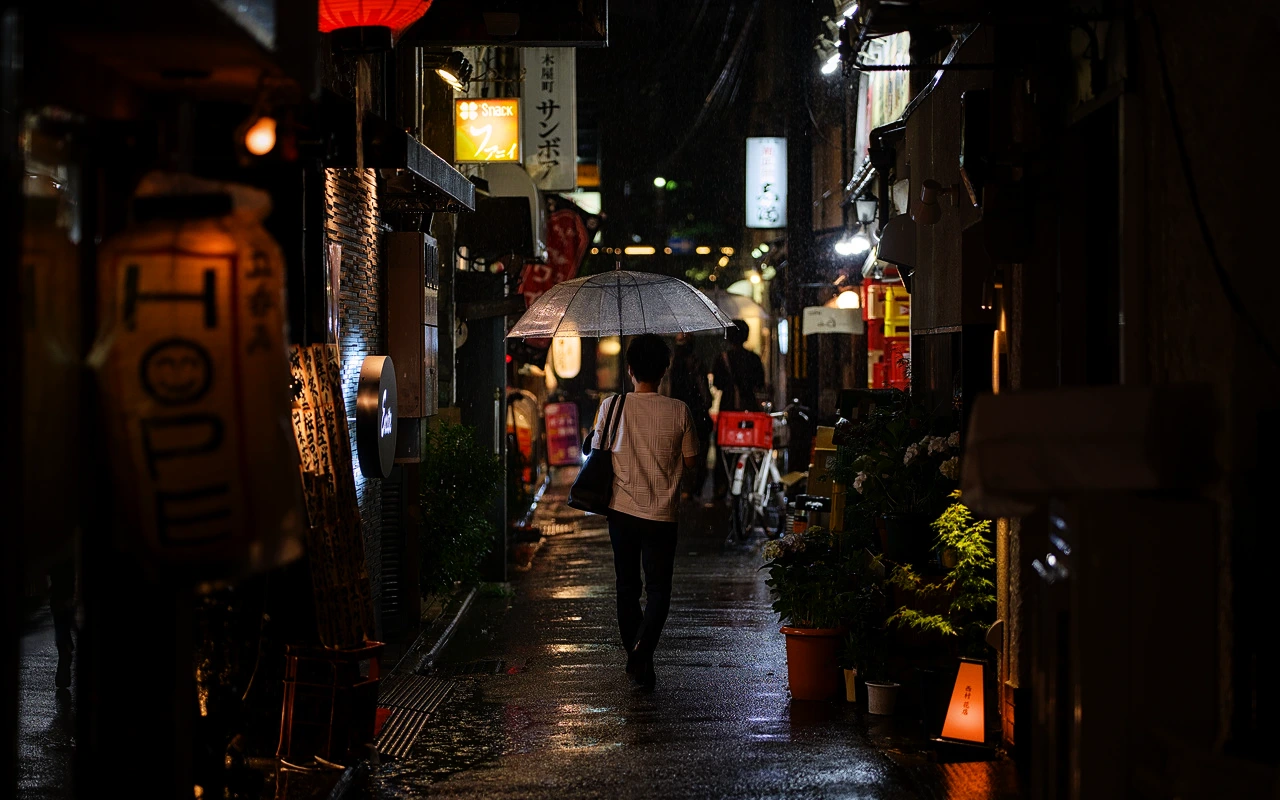
CineLook Mono Negative 200
Panchromatic monochrome negative with deep tonal separation and a firm shoulder.
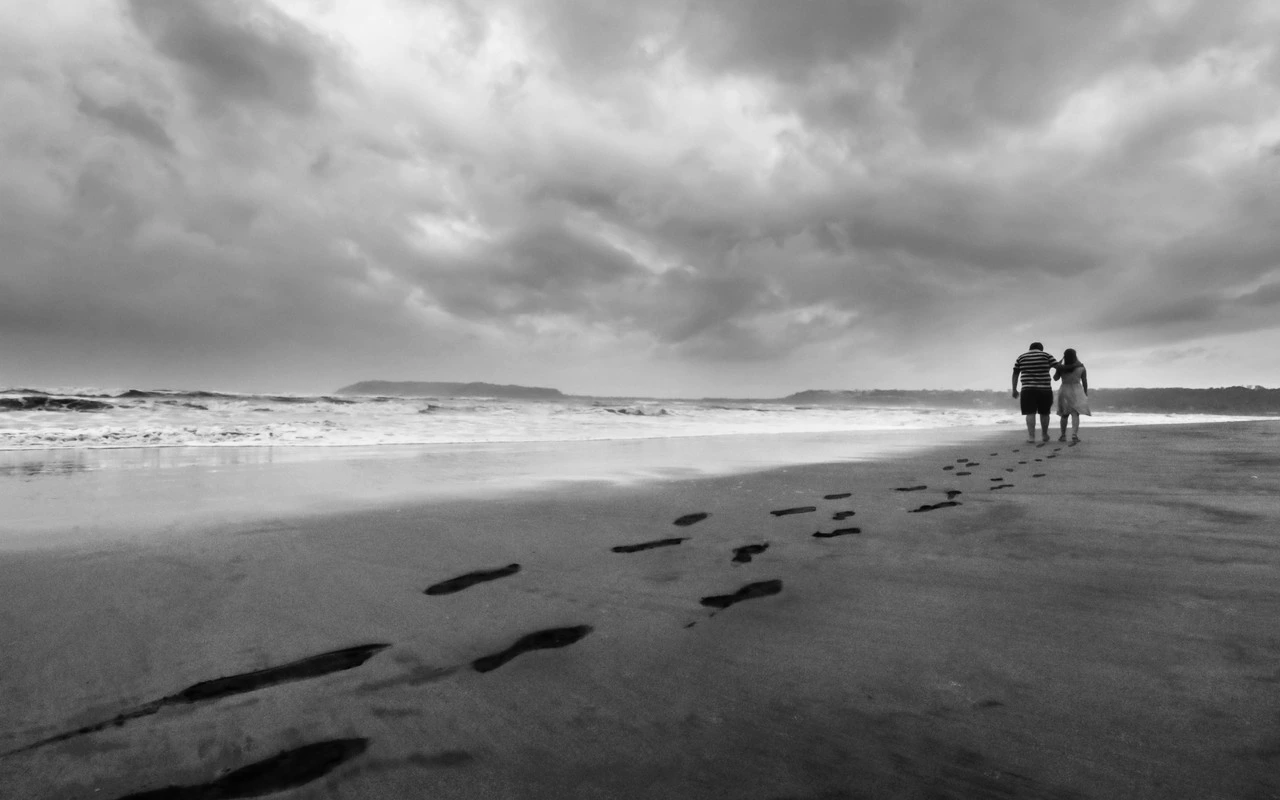
Visual character
Panchromatic separation with a firm shoulder
Best for
- Portraiture
- Documentary imagery
- High-contrast monochrome scenes
Lighting conditions
- Daylight
- Tungsten
- Mixed light
Color character
CineLook Mono Negative 200 collapses the frame to a single monochrome channel, then reshapes the tone scale around a high-contrast profile. Each zone moves a different distance: shadows settle 0.025 lower, midtones rise 0.03, and highlights gain 0.065, the largest of the three offsets. Because the top of the curve travels furthest, bright values climb quickly while the shoulder stays firm near the top, so highlights read dense and substantial rather than airy or blown. The shadow end is pulled down only slightly, which leaves the low end full rather than crushed. Together those movements give the deep tonal separation the Look is named for: clean steps between adjacent values without hollowing out the midtones. Color disappears entirely, since the pipeline is a black-and-white source, and the native balance is neutral, so no cast tints the gray. There is no color matrix in the transform, only the curve, so the adjustment works on tonal structure. Grain character is medium, a matter of texture rather than tone.
When to choose it
The intended uses are portraiture, documentary imagery, and high-contrast monochrome scenes, which is a fair map of where this transform earns its place. Daylight, tungsten, and mixed light are all listed as suitable conditions; with a neutral native balance, practical sources do not force a correction before the grade reads correctly. In portraiture the dense shadow response holds dark clothing and background falloff while the lifted midtones keep faces from going flat, and because color is removed there is no skin-tone bias to correct, so exposure alone carries the separation. Documentary frames benefit whenever the scene already has structure: hard sun, deep doorways, a backlit window. In soft, even light the curve has less to divide, and the result drifts toward flat gray instead of graphic contrast.
Working with it in Studio
Exposure is the first control to set, because the curve assumes a properly scaled signal. Contrast comes next when the tonal separation feels crowded; easing it slightly keeps highlights from meeting the shoulder early. Highlights and Shadows act on the two ends of the curve, and Highlight Rolloff governs how gradually the brightest values release into that shoulder. Temperature and Tint remain in the panel, though a monochrome render gives them little to tint, so they work as small nudges rather than corrections. Saturation and Vibrance have nothing left to act on. Film Grain supplies the medium texture the Look expects. A .cube LUT export carries Exposure, Contrast, Highlights, Shadows, Temperature, Tint, Saturation, Vibrance and Highlight Rolloff; Film Grain, Bloom and Vignette stay inside the app.
How it compares
Both siblings are camera negatives with a low contrast profile, which makes the contrast difference plain. Kodak 5219 Vision3 500T is tungsten balanced, with medium grain, soft highlights, lifted shadows, and open low-light detail. Kodak 5207 Vision3 250D is daylight balanced, with fine grain, soft highlights, and neutral shadows; its midtones stay natural and open. Mono Negative 200 runs the other way: high contrast, dense highlights, dense shadows, no color at all. Pick 5219 for tungsten or low-light scenes that need open shadows; 5207 for daylight with the finer grain; Mono Negative 200 when the frame should read as black and white with firm separation.
Where it fits in a grade
Because the Look behaves as a black-and-white source, it belongs where the captured image would sit rather than at the end of the chain. It stands in for the negative, so the frame entering it should already be corrected and scaled, and every layer above it is a finish. A finishing print Look is the natural next step. The catch is headroom: the high contrast profile already spends most of the range, and with dense highlights and dense shadows there is little room for a second full-strength tone move without clipping the top or blocking the low end. Grain arrives at medium weight with the source, so texture belongs here too, and later stages should refine separation rather than rebuild it.
Transform parameters
The CineLook CineLook Mono Negative 200 transform leaves every adjustment slider at its neutral value and carries the look in its colour transform instead. Its channel matrix keeps the 0.240 / 0.680 / 0.080 diagonal and mixes at most 0.680 of one channel into another, so hues stay close to their source while crosstalk stays controlled. The luma curve sits 0.065 above the linear ramp at three-quarter tone, which is where the shoulder starts to bend.