
Camera Negative vs Print Film
Understand the creative roles suggested by camera-negative and print-film Looks without confusing emulation with physical film reproduction.
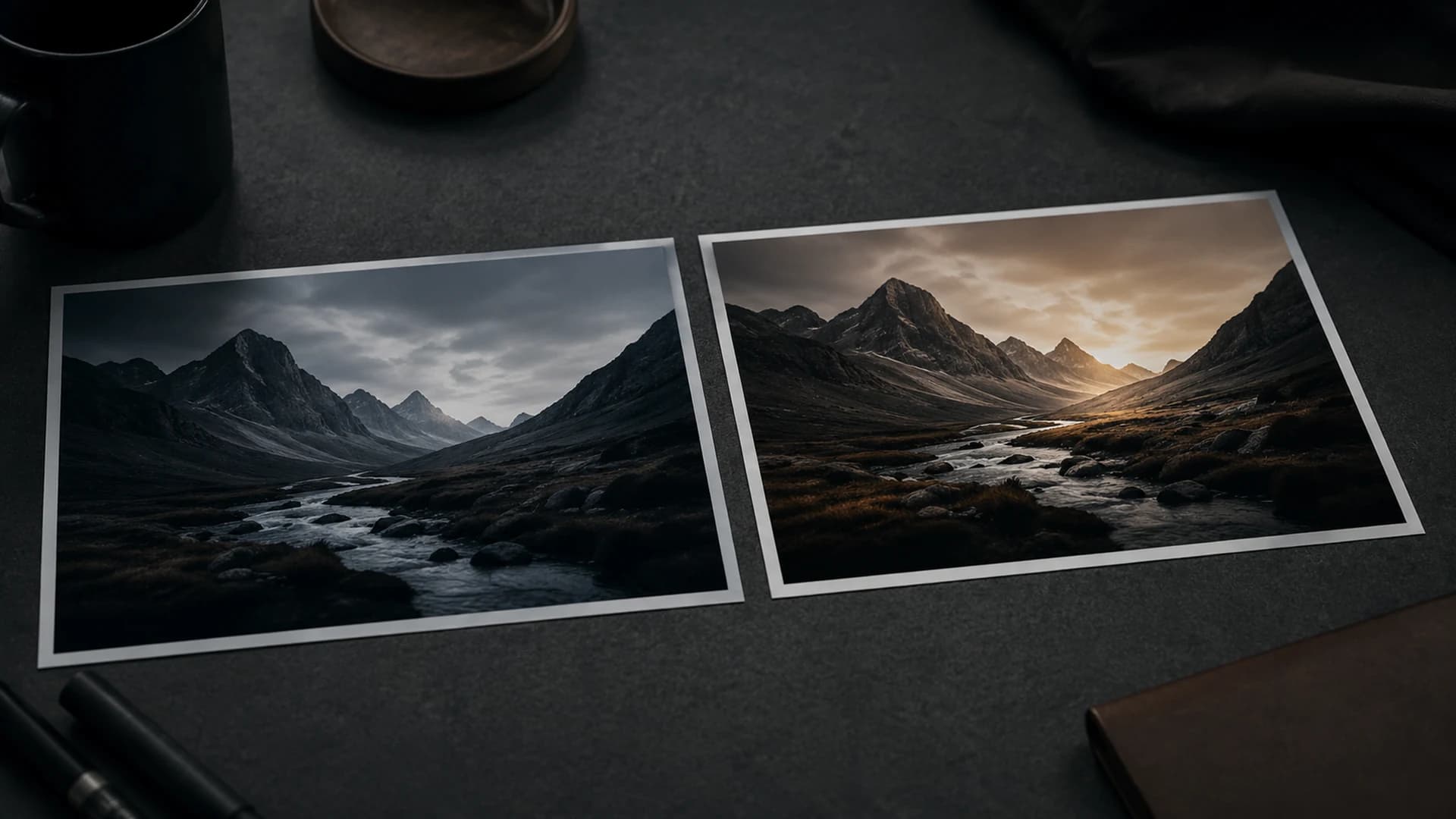
Film color is often discussed as if one stock creates the entire finished image. In a photochemical workflow, camera negative and print film serve different roles. The negative records the scene with room for later interpretation. A print stage shapes final viewing contrast and color. CineLook uses these ideas as creative pipeline roles; it does not claim to reproduce a complete laboratory process or an official manufacturer transform.
The camera-negative role
A camera-negative-inspired starting point generally emphasizes capture character and flexibility. You may see gentler contrast, protected highlights, or a particular treatment of skin and neutrals. In CineLook metadata, a base-negative role means the Look is conceived as an initial color foundation. It is not raw data and cannot expand information beyond the uploaded image.
Use this kind of Look when you want room to decide final contrast yourself. A portrait with window light, a travel image with bright clouds, or a city scene containing storefront interiors and street shadows may benefit from a less final-feeling base. After selection, set Exposure and refine Highlights, Shadows, Temperature, Tint, Saturation, and Vibrance for the frame.
The print-film role
A print-film-inspired Look is conceived more as a finishing response. It may establish denser blacks, stronger separation, distinct highlight character, or more assertive color. That can make the result feel resolved quickly, but can also demand a better-placed input. If a face is already dark or a sign close to clipping, stronger finishing contrast may reveal the problem rather than solve it.
Do you stack stages?
Look Browser presents selectable finished starting points; it is not a node system for stacking a negative transform and print transform as separate technical stages. Choose the single Look whose rendered character supports the image, then refine it. Repeatedly exporting and reimporting to imitate a two-stock pipeline adds encoding and workflow consequences without recreating the missing physical process.
- Identify important highlight and shadow detail in a familiar image.
- Preview a restrained base-style option such as CineLook Neutral Cinema.
- Preview a more textured option such as Classic 35mm.
- Normalize obvious exposure differences before comparing character.
- Choose one starting point, refine it, and verify with Compare.
Choose for the delivery
For an editorial set receiving careful per-image adjustment, a flexible base can help preserve skin and highlight relationships. For a short social series where stronger finish is central, a more assertive Look may reduce manual moves. Neither is superior. The useful role depends on source quality, time, consistency needs, and visual direction.
A `.cube` LUT represents compatible color transformations in an RGB grid. It is not a package of physical film behavior, and spatial effects such as Grain, Bloom, and Vignette are excluded. Image export is a more complete representation of the visible composed result. Use the output that matches what must travel to the next stage.
The same distinction also helps when comparing Looks from other library categories. Ask whether you want a flexible foundation or a more assertive finish, then evaluate the actual image. Pipeline-role metadata provides vocabulary for the design intention; it does not impose a mandatory order of operations. CineLook remains a creative image tool operating on the uploaded encoded image, not a substitute for capture-side color management.
If the terminology feels abstract, compare the options on one portrait and one high-contrast street frame. Note which starting point leaves you shaping the finish and which supplies more of that finish immediately. The visible difference is more useful than memorizing stock categories without context.
Negative and print are useful ways to think about stages of intention, not shortcuts around judging the image.Compare film-inspired roles in Studio