
What LUTs Can and Cannot Do
Understand what CineLook `.cube` exports preserve, which visible effects they exclude, and when image export is more complete.
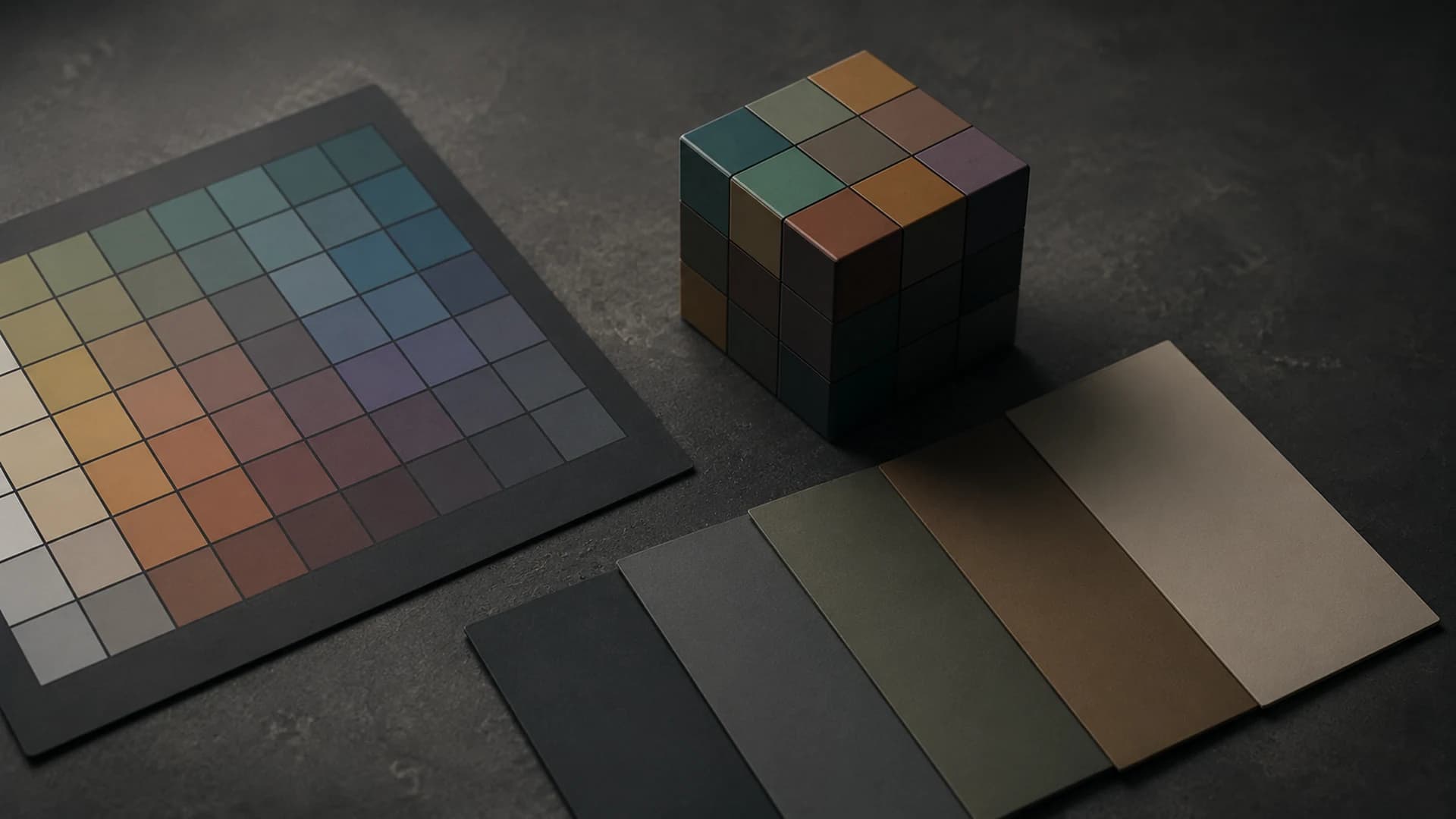
A LUT, or lookup table, maps input color values to output values. A three-dimensional `.cube` LUT samples combinations of red, green, and blue, then compatible software interpolates between samples. It can carry a repeatable color transform, but it is not a saved CineLook project, an editable recipe, or a complete record of every visible effect on the Studio canvas.
What CineLook exports
Studio generates `.cube` files at 17, 33, or 65 grid points. The header identifies Rec.709 / sRGB encoded RGB input and output. Larger grids sample the transform more densely and create larger files; they do not improve a weak creative decision. Choose a size supported by the destination and appropriate for its performance and precision needs.
The LUT-compatible portion includes global color and tone behavior represented by the CineLook color pipeline. This is useful for carrying a direction into compatible editing, finishing, or preview software. Test in the destination because color management, input assumptions, interpolation, and application order can change the viewed result even when the cube itself is valid.
What a LUT cannot preserve
A LUT maps color without knowing where a pixel sits. It cannot reproduce spatial effects depending on position, neighboring pixels, or generated texture. CineLook explicitly excludes Grain, Bloom, and Vignette from `.cube` export. It also cannot include canvas composition, text, image layers, crop choices, dimensions, file format, or filename settings.
A LUT contains no masks, subject recognition, tracking, exposure metadata, or instruction to protect a face. CineLook's Temperature control is a creative RGB balance operation, not physical raw white balance. The cube represents a compatible rendered mapping; it cannot recreate raw-camera latitude or recover clipped capture detail.
LUT versus image export
Use LUT export when another compatible application needs reusable color mapping. Use image export when you need the more complete visible CineLook result, including spatial effects and composition choices the image format can represent. Studio supports PNG, JPEG, WebP, and TIFF image output. A `.cube` contains no photograph; it must be applied to image or video data elsewhere.
- Refine a Look on a representative image.
- Decide whether delivery needs a reusable transform or finished image.
- Confirm `.cube`, grid size, and Rec.709 / sRGB input support in the destination.
- Generate 17, 33, or 65 according to that requirement.
- Apply the cube to a matching test image.
- Compare while accounting for excluded Grain, Bloom, and Vignette.
Build a dependable handoff
Name the LUT clearly, document expected input and output, and keep a reference image showing intent. If collaborators use different software, confirm import settings and color management. A reliable handoff depends as much on shared assumptions as grid size. When the match differs, investigate the pipeline before changing the creative grade.
Film-inspired names describe creative intent inside CineLook; exporting a LUT does not turn that interpretation into an official stock, camera, or manufacturer transform. Treat the file as a CineLook-derived color mapping and test it in the actual delivery context.
Keep the CineLook image reference, the cube, and a short handoff note together. Record the selected size and the expected input. If the destination result differs, compare with a neutral test image and verify transform order before compensating by eye. Baking a workaround into the LUT for one misconfigured application can create a new mismatch everywhere the pipeline is configured correctly.
Archive the original cube rather than overwriting it during troubleshooting. Versioned filenames and one known reference make it possible to separate creative revisions from technical pipeline changes.
A LUT can carry color relationships; it cannot carry the whole image-making process.Prepare a LUT-compatible grade in Studio