
How to Keep a Photo Series Consistent
Build a repeatable visual system for a set while respecting exposure and lighting differences in each photograph.
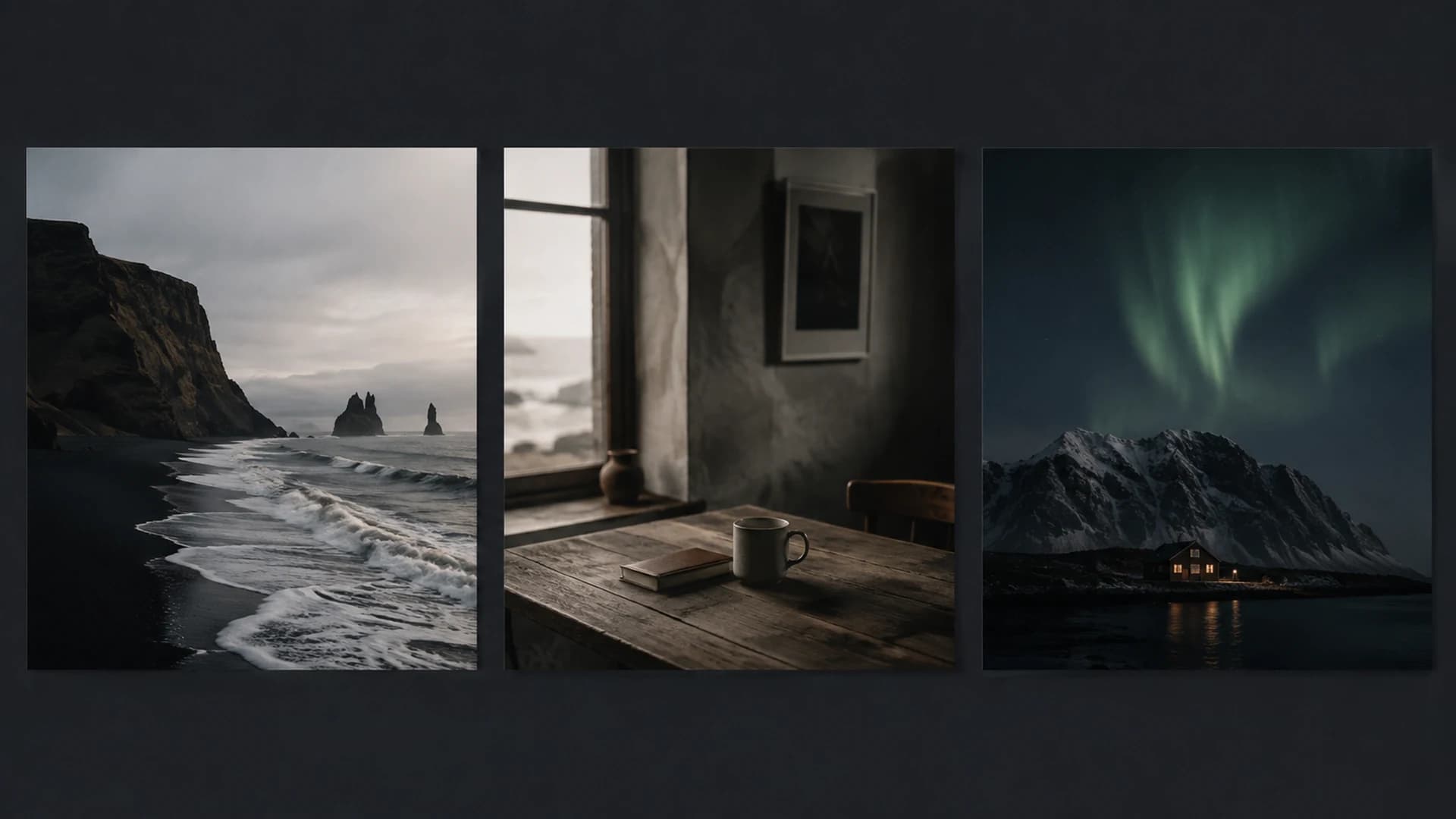
Consistency is not making every photograph identical. It is creating enough shared visual logic that images feel part of one story. A travel series may move from morning streets to interiors and blue-hour portraits. Brightness and color should differ, while contrast character, palette priorities, and treatment of skin or highlights can remain related.
Define the rules
Write a short direction before grading everything. For example: restrained saturation, warm skin, cool ambient shadows, open midtones, and no crushed architectural detail. These rules are more useful than a vague goal such as cinematic. They tell you what to preserve when one frame tempts you toward a treatment that would pull it away from the set.
- Select a group representing the full range of lighting and subjects.
- Choose an anchor image with reliable exposure and the central mood.
- Apply a Look and refine the main Studio controls.
- Record the Look and important values if exact repetition matters.
- Test the direction on the hardest bright, dark, and mixed-light frames.
Use one Look, then adapt exposure
A shared Look creates a stable foundation. It does not mean every slider value must match. Different light often requires different Exposure, Highlight, or Shadow corrections. Keep the visual outcome consistent rather than forcing numeric sameness. If subjects occupy related brightness and the palette behaves coherently across the sequence, small control differences are doing useful work.
Choose stress tests
Include a frame with bright sky, one with deep shadow, one with important skin, and one with dominant local color. Travel Vlog may retain vivid destination color and open shadows, while Wedding Editorial favors a softer warm direction. These are CineLook creative Looks, not genre rules. Test them against written criteria and real subjects.
Use Batch for repetition
CineLook Batch lets you select a Look, add supported image files to a queue, generate previews, and export eligible PNG, JPEG, WebP, or TIFF results according to membership permissions. It is useful after the shared direction has been tested. Batch does not decide which frames need individual correction and does not turn different lighting into identical source conditions.
- Finish the direction on representative images in Studio.
- Open Batch and select the approved Look.
- Import a manageable group and review previews before export.
- Separate outliers that need individual tonal decisions.
- Export the consistent group and inspect delivered files together.
Finish as a sequence
Place final exports side by side or in order. Watch for sudden jumps in face brightness, black level, sky saturation, or warmth. Decide whether each jump reflects a meaningful location change or inconsistent grading. Keep intentional variations instead of chasing perfect uniformity. The viewer should feel progression, not unrelated presets.
Maintain a reference export and a brief note describing the Look and decisions. When you return later or collaborate, these are more reliable than memory. Recheck new images against the anchor and neighboring frames. A durable visual system makes exceptions consciously rather than allowing accidental drift.
Export settings are part of consistency. Use a common format, dimension policy, fit choice, and filename pattern for one delivery unless a channel requires otherwise. A coherent grade can still feel disorganized when crops, dimensions, or compression change unpredictably. Inspect the final files as the audience will receive them and keep separate masters if several platforms need different output specifications.
Do a final pass without adjusting anything at first. Mark only the frames that visibly break the sequence, then correct those. This prevents endless small changes to images that were already coherent and keeps the anchor image stable throughout the project.
Consistency comes from repeated decisions, not identical pixels.Develop a series direction in Studio