
Why Exposure Still Matters After Applying a Look
A Look establishes character, but exposure determines whether subjects, highlights, and shadows sit in a useful relationship.
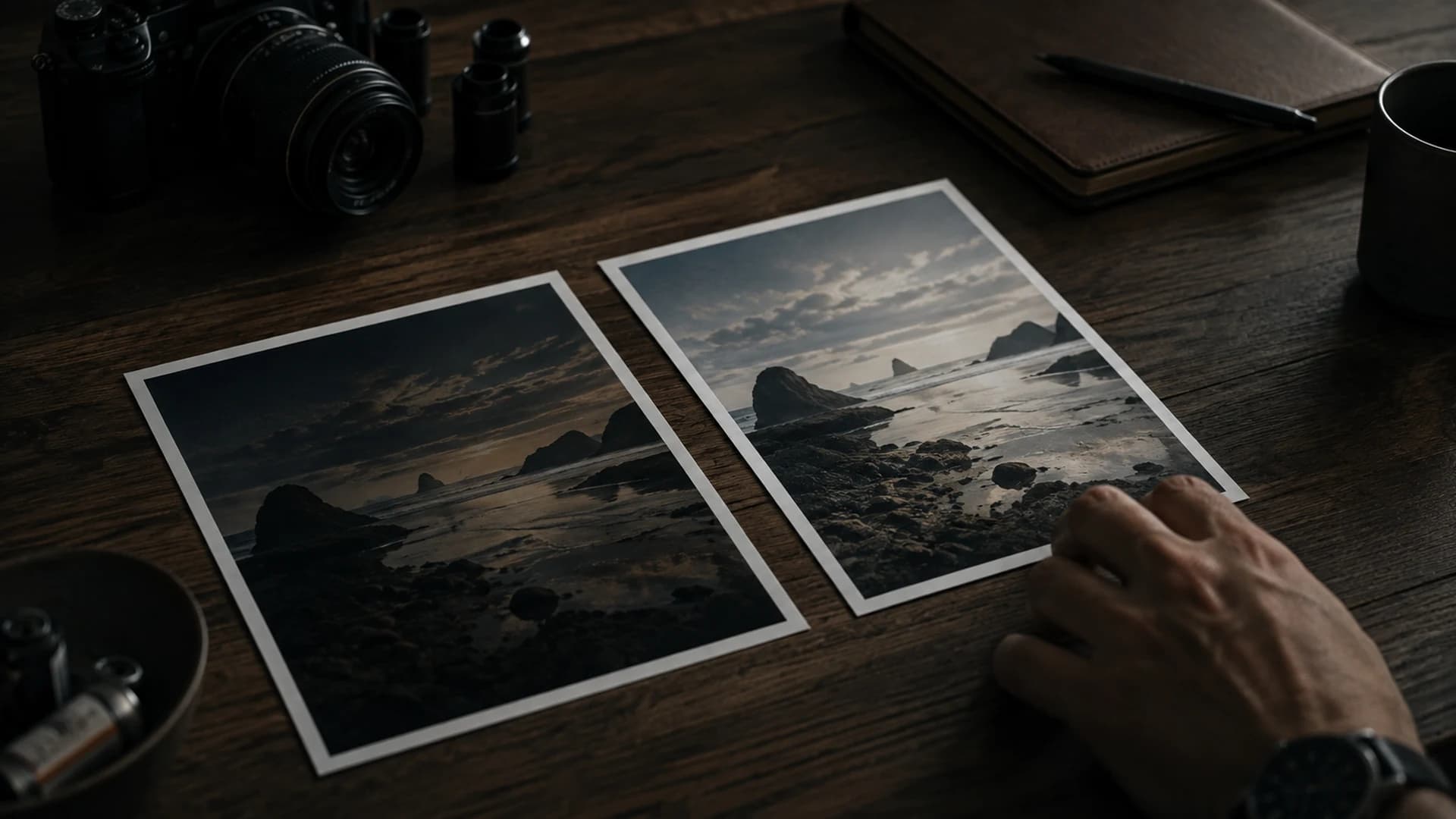
Applying a Look and correcting exposure are related but different decisions. A Look establishes tonal and color character. Exposure controls overall brightness entering that rendered relationship. If a source places a face too low or bright clouds too high, a Look cannot know which part matters most. You must judge the photograph and place its important tones deliberately.
A Look is not exposure repair
Two photographs made in one location can need different exposure adjustments with the same Look. A person under an awning may be darker than the sunlit street behind them. A second frame turned toward open sky may already be bright. A shared Look provides continuity, but copying the same Exposure value without inspection can leave one frame murky and the next washed out.
Some Looks change perceived brightness through contrast, highlight behavior, shadow depth, or color. An image may feel darker or brighter before you move Exposure. Evaluate the graded canvas, not only the number. Compare Original and Graded to understand what came from capture and what came from the Look. Then decide which relationship needs correction.
Separate global and regional judgments
Exposure moves the overall image. Highlights and Shadows reshape brighter and darker regions after that broad placement. Contrast changes separation across the range. Work in that order: establish overall brightness, check bright and dark ends, then decide whether midtones need more or less separation. CineLook controls are global; they do not create masks or selectively identify a face.
- Apply the Look that fits your direction.
- Use Exposure to place the main subject at a believable brightness.
- Check Luma for crowding at either edge and identify what those pixels represent.
- Adjust Highlights or Shadows only when those regions need a different relationship.
- Refine Contrast, then revisit Exposure.
- Compare Original and Graded before moving to color.
Preserve atmosphere
A low-light photograph should not necessarily become bright. You may want deep surroundings while making a person, doorway, or reflection readable. Raise Exposure too far and night starts to resemble dim day; lift Shadows too far and noise or flatness becomes more visible. Make the smallest move that establishes the hierarchy you want, then let intentional darkness remain.
For a bright travel frame, protecting clouds or a white wall may matter more than opening every shadow. Reduce Highlights only until texture feels natural. For a portrait, watch skin and eyes rather than averaging the whole image. The histogram supports these choices but cannot identify your narrative priority or decide what should attract attention.
Exposure across a series
Consistency does not mean identical histograms or Exposure values. It means subjects and key tones feel related when viewed together. Use one Look as a base, correct each frame for its capture, and compare the set. Batch can apply a selected Look across queued images, but each source still deserves review before delivery. Separate creative consistency from necessary exposure correction.
Return to Compare after color and texture changes, because added saturation, grain, bloom, or vignette can alter perceived brightness even when the Exposure number stays fixed. Finish by checking the downloaded image under normal viewing conditions. A careful exposure choice should survive outside the editing interface.
If you are unsure, duplicate the decision mentally rather than chasing the slider: ask whether the subject needs to be brighter, whether the background needs separation, or whether the highlights need restraint. Each question points to a different control. This keeps Exposure from becoming a universal fix and makes later adjustments easier to reproduce across photographs with related lighting.
The Look supplies a direction; exposure decides whether the important parts can live inside it.Practice exposure in Studio