
Why We Built CineLook — And What’s in CineLook 1.0
Why CineLook exists and what CineLook 1.0 includes today: film-inspired Looks, a connected Studio workflow, guided analysis, image and LUT export, and Batch.
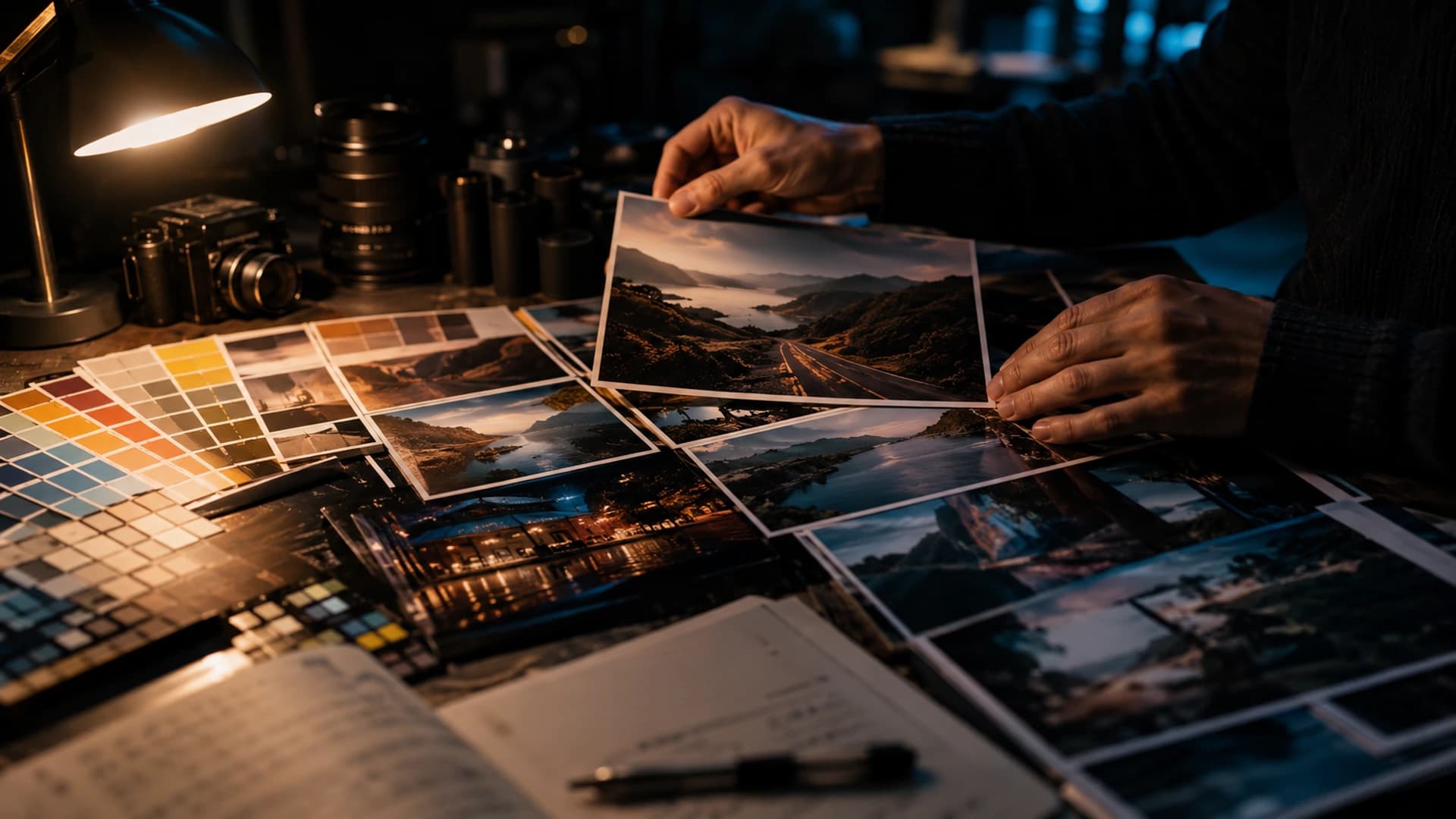
The problem was never a lack of presets. Creators already have more Looks, LUTs, filters, and editing tools than anyone can reasonably compare. Yet more choice does not automatically produce better color decisions. It often produces the opposite: faster application, slower understanding, and results that change from image to image without a clear reason. CineLook started from that gap.
Too many options, not enough direction
It is easy to collect a large library of Looks. It is harder to know which direction a specific photograph needs, why one treatment feels closer than another, and what to adjust after the first click. Presets can save time when they match the light, the subject, and the intended feeling. But when every image gets a different preset and none of them are compared against the same set of questions, the workflow becomes a series of disconnected choices.
We kept seeing the same pattern: a creator applies something that almost works, moves to another Look, makes a few slider changes, and then cannot remember what was different or why. The missing piece was not another option. It was a way to keep the decision visible: choose a direction, see what it changes, compare it with the original, and adjust with a clear idea of the goal.
A library is only useful when the user can compare candidates on the actual image. A Look that looks interesting as a thumbnail can behave differently on a face, a sky, or a textured shadow. CineLook tries to make that comparison the first step, not the last.
Color decisions should stay connected
CineLook brings Look selection, adjustment, comparison, scopes, workflow, and export into one connected workspace. The point was never to add more controls. It was to reduce the unnecessary separation between decisions that should inform one another.
When the image, the selected Look, the adjustments, the histogram, and the comparison are visible together, each decision becomes easier to evaluate. A crop can be judged against the grade. A text layer can be checked against the color hierarchy. An export can be reviewed before it leaves the workspace. The interface should feel like one room, not a hallway of separate tools.
In practice this means short loops: apply a Look, adjust one relationship, compare the result, and look at the histogram before deciding whether the change helps. The tools exist to answer a question, not to accumulate effects.
Film-inspired, not film mythology
CineLook Looks are film-inspired visual directions, not scientific reproductions of any physical stock or manufacturer process. We do not claim exact emulation, and we do not want users to treat a Look as a promise that one formula will match a particular film.
The qualities that make a Look useful are practical: tonal character, contrast shape, highlight behavior, color separation, restrained saturation, and visual consistency. Different Looks offer different starting directions. Some are clean and neutral, some are warm and soft, some are dense and dramatic. The image, not the label, remains the authority.
A starting direction is not a final grade. Once a Look is selected, the user still decides exposure, highlights, shadows, and color behavior for that specific image.
What’s included in CineLook 1.0
Here is what CineLook 1.0 includes today, described the way a user can actually work with it.
Looks
CineLook 1.0 ships with 46 public Looks across film-inspired, commercial, cinematic, and creator categories. The Look Browser makes them easy to compare, and every Look has its own public detail page with a preview, description, and visual-character notes. From any Look page, Open in Studio carries that exact Look into the workspace.
The public library and Studio share the same 46 Looks, so a direction chosen on a page opens as the same starting grade in the workspace.
Studio
Studio is the editing workspace. Users can import or replace an image, choose a Look, and refine the result with Exposure, Contrast, Highlights, Shadows, Temperature, Tint, Saturation, Vibrance, Film Grain, Bloom, Vignette, and Highlight Rolloff. Compare keeps Original and Graded side by side. Crop, Layers, RGB and Luma histograms, History, and Info support composition, measurement, and review.
History makes it possible to step backward through changes, and the workspace keeps the current working session locally in the browser, so a reload does not silently discard the edit.
Look to Studio continuity
When you browse a Look, you can open that exact Look in Studio without searching again. The Look arrives selected, the Look Browser opens, and the choice stays in place if you then import an image. Continuity matters because the decision and the work should happen in the same session.
AI-assisted analysis
AI Color Analysis examines the image and returns observations, color and tonal summaries, and Look recommendations. It is guidance, not creative authority. It can offer another perspective or point toward candidates, but the final direction remains with the person making the image.
The analysis is calculated from the image itself and returned as evidence, not as an instruction. Users can accept a suggestion, ignore it, or use it as a starting point for their own comparison.
Export
Finished images can be exported as JPEG, PNG, WebP, or TIFF, with options for resolution and fit. Export is a deliberate step, separate from exploration, so the delivered file is reviewed rather than assumed.
Resolution options include the original size, 1920x1080, 3840x2160, and a custom size, with cover or contain fit for the chosen frame.
LUT
CineLook can also export a .cube LUT at 17, 33, or 65 grid points. The LUT carries the compatible color mapping, while spatial effects such as Film Grain, Bloom, and Vignette are not baked into it and need to be considered separately.
Batch
Batch applies a chosen direction across multiple images. It runs a queue with previews and exports in JPEG, PNG, WebP, or TIFF, subject to current membership permissions. Batch is useful for consistency, but it does not pretend every capture has identical exposure or lighting. Previews should be reviewed before delivery.
Tools should support judgment
Histograms, scopes, and AI analysis exist to support judgment, not replace it. They help the user see what changed, what direction was chosen, and whether the image still feels balanced. A measured recommendation can be useful, but a portrait commission, a travel diary, and a night street study can require different priorities even when their statistics look similar.
One practical habit: after a change, ask whether the subject still reads clearly, whether the brightest important highlight keeps its transition, and whether the deepest shadow still holds detail. If those three survive, the direction is probably deliberate rather than accidental.
A shorter path from image to decision
The intended workflow is short and reviewable:
- Import an image.
- Choose a Look.
- Refine tone and color.
- Compare Original with Graded.
- Review the result.
- Export.
The goal is not to remove work. It is to make each step visible enough that the user can decide with confidence.
What CineLook is not trying to replace
CineLook is not trying to replace visual judgment, photographers, filmmakers, professional colorists, or deliberate creative decisions. It is a tool for making color workflows clearer and more direct. The person making the image keeps responsibility for what it means and how it should feel.
That includes beginners who are learning to see tonal relationships and professionals who need a faster way to evaluate options. The tool should lower friction without lowering standards.
What we want CineLook to become
We want CineLook to keep getting clearer: better workflows, stronger educational material, a closer connection between learning and editing, and AI assistance that is genuinely useful without pretending to decide for the user. We will build toward deeper professional workflows over time, one verified feature at a time.
Better color decisions, fewer unnecessary steps, and a workflow that keeps the image at the center.Try the workflow in Studio