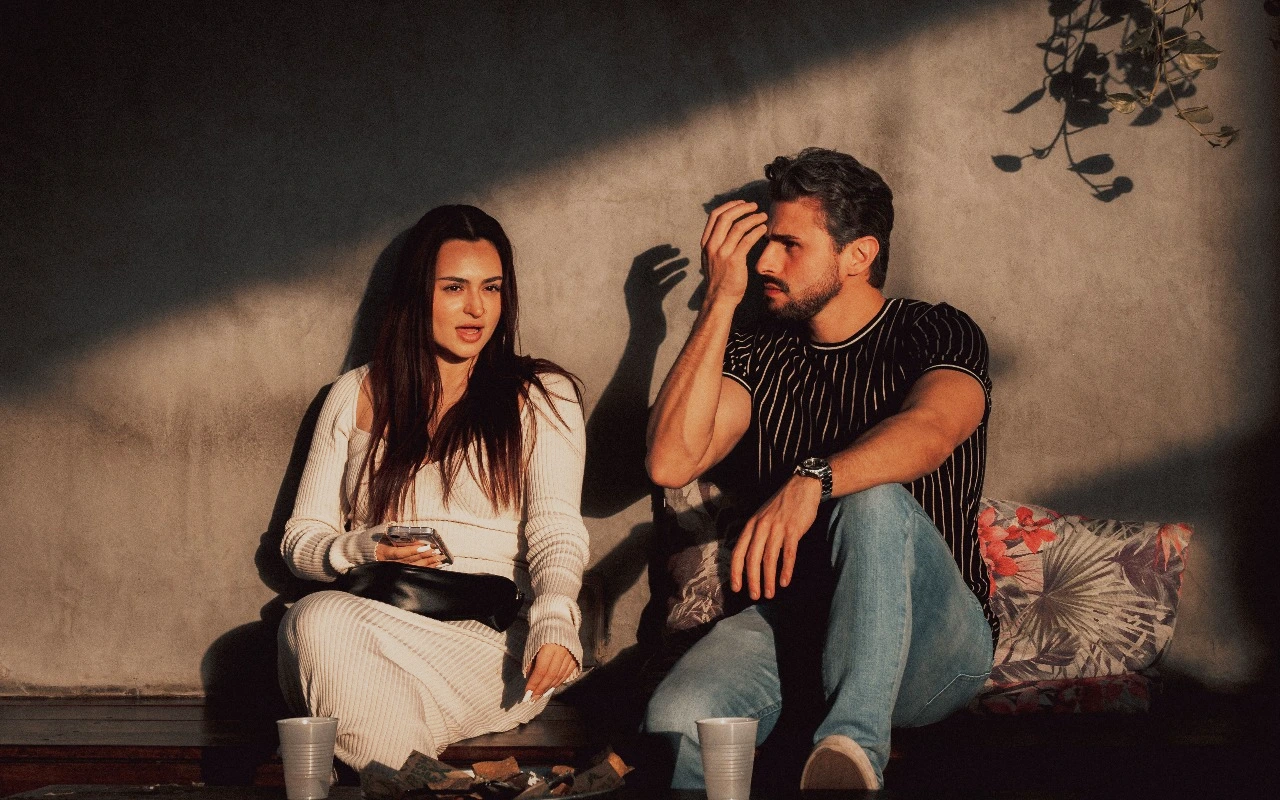
ARRI Warm
A warmer camera-native interpretation with gentle highlight behavior.
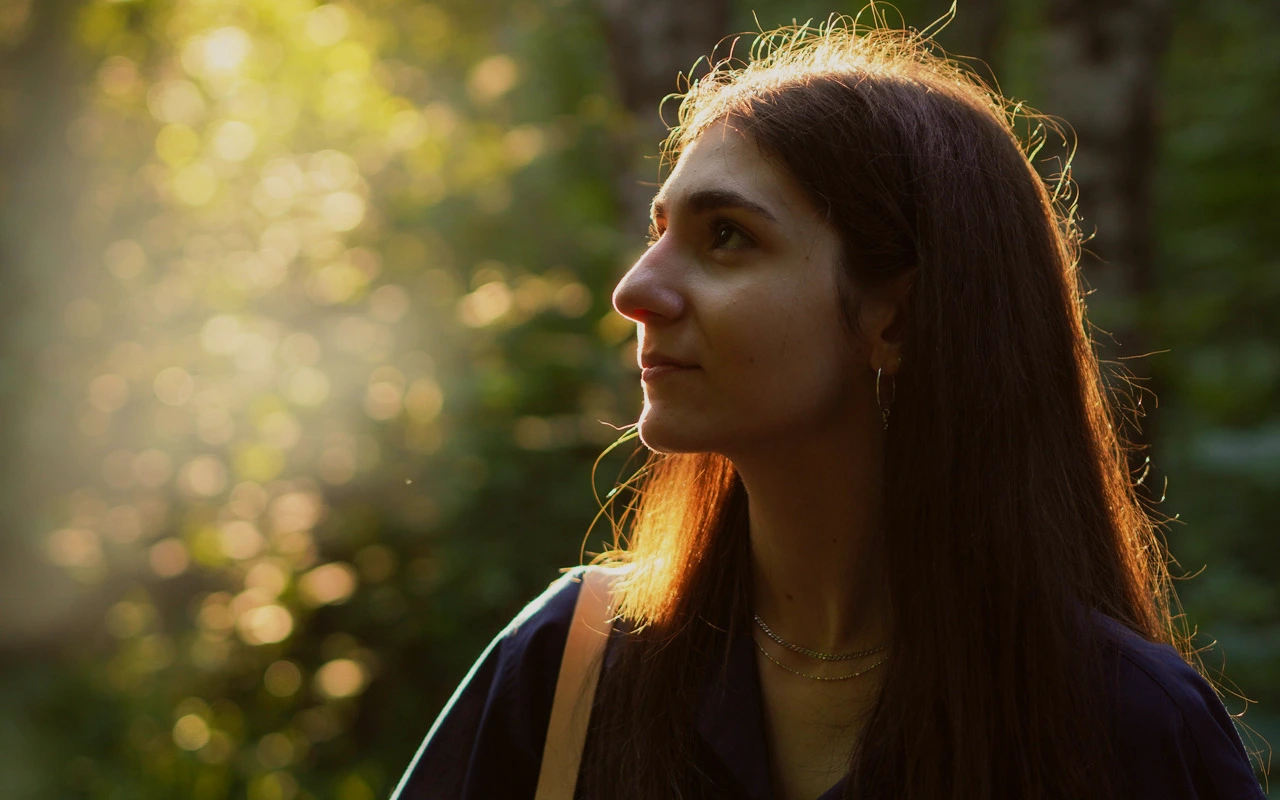
Visual character
Natural contrast with warmer skin
Color character
The CineLook ARRI Warm transform keeps the image close to a camera-native starting point and leans it warm. Contrast edges up just 4 points, so separation between tones stays gentle rather than punchy, while exposure rests 0.1 above neutral. Highlights are pulled back 30 points, softening the brightest areas so windows, skin sheen and specular edges lose their bite. Shadows lift 13 points, opening the darkest passages enough to read without flattening them. Temperature moves 20 points toward warm and tint 4 toward magenta, a considered shift that favors skin instead of laying an orange cast over everything. Saturation drops 3 points while vibrance gains 8, muting weak color while distinct hues keep their identity. Grain sits at 4 and bloom at 4, both light enough to read as texture rather than effect, with highlight rolloff at 46 easing the transition into white. Neutral whites stay recognizable, because nothing in the grade pushes hard enough to erase the character of the existing light. ARRI here names the Look, not a manufacturer product.
When to choose it
Reach for this transform when skin needs warmth without losing neutrality: portraits, interviews and editorial frames where a small temperature shift should read as flattering light rather than a filter. Daylit exteriors and mixed scenes, daylight through windows with warmer practicals beside it, sit comfortably under it because the shift is broad and gentle. Held highlights make it a reasonable starting point for frames carrying bright sky, lamp shades or specular metal, where a harder grade would clip first. Contrast stays modest and shadows stay open, so flat overcast light and controlled interiors both work. Because saturation is nudged down only slightly while vibrance rises, colorful wardrobe or foliage keeps its identity while the palette stays quiet. Visible texture, such as fabric, skin and timber, benefits from the light grain.
Working with it in Studio
In CineLook Studio the transform opens at Exposure +0.1, Contrast +4, Highlights -30, Shadows +13, Temperature +20, Tint +4, Saturation -3, Vibrance +8, Film Grain 4, Bloom 4 and Highlight Rolloff 46. Begin with Exposure, then use Highlights and Shadows to place detail: pull Highlights further down for bright windows, raise Shadows for interiors that read too dark. Temperature and Tint are the refinement pair here; dial temperature back when the source is already warm, and trim tint if skin drifts green. Highlight Rolloff decides how quickly the top end compresses, with 46 leaving room in either direction. Film Grain, Bloom and Vignette stay in the app; a .cube export carries Exposure, Contrast, Highlights, Shadows, Temperature, Tint, Saturation, Vibrance and Highlight Rolloff.
How it compares
ARRI Natural, the same family's neutral option, differs narrowly. The CineLook ARRI Warm transform adds 20 points of warmth and 4 of magenta tint where ARRI Natural stays neutral. Contrast runs 3 there against 4 here, shadows lift 14 rather than 13, and highlights are held 32 rather than 30 with a 48 rolloff instead of 46, so separation is softer and the top end more open. Grain is 3 rather than 4, with no bloom. Pick ARRI Natural when a frame must stay neutral for matching or later grading, or when warmth should come from the lighting; keep this Look for skin that should arrive warm.
Where it fits in a grade
Treat this Look as a base layer rather than a destination. It belongs to camera color science, so it assumes the image is still close to what the camera recorded: apply it once exposure and color balance are settled, while the frame still reads neutral, and before any heavy creative treatment. Working near that point keeps its effect easy to reverse. Push it to the end instead and you are styling an image that has already been styled, which tends to double up with whatever follows. Because it works gently, a finishing print Look can sit on top without the two competing, and that later step can set the final density. Correct first, base second, finish last.
Transform parameters
Against a neutral starting point the CineLook ARRI Warm transform moves exposure +0.1, contrast +4, highlights -30, shadows +13, temperature +20, tint +4, saturation -3, vibrance +8, film grain +4, bloom +4 and highlight rolloff +46.