Apple Style
Clean whites, controlled saturation, and precise modern contrast.
Visual character
Clean neutral technology advertising
Color character
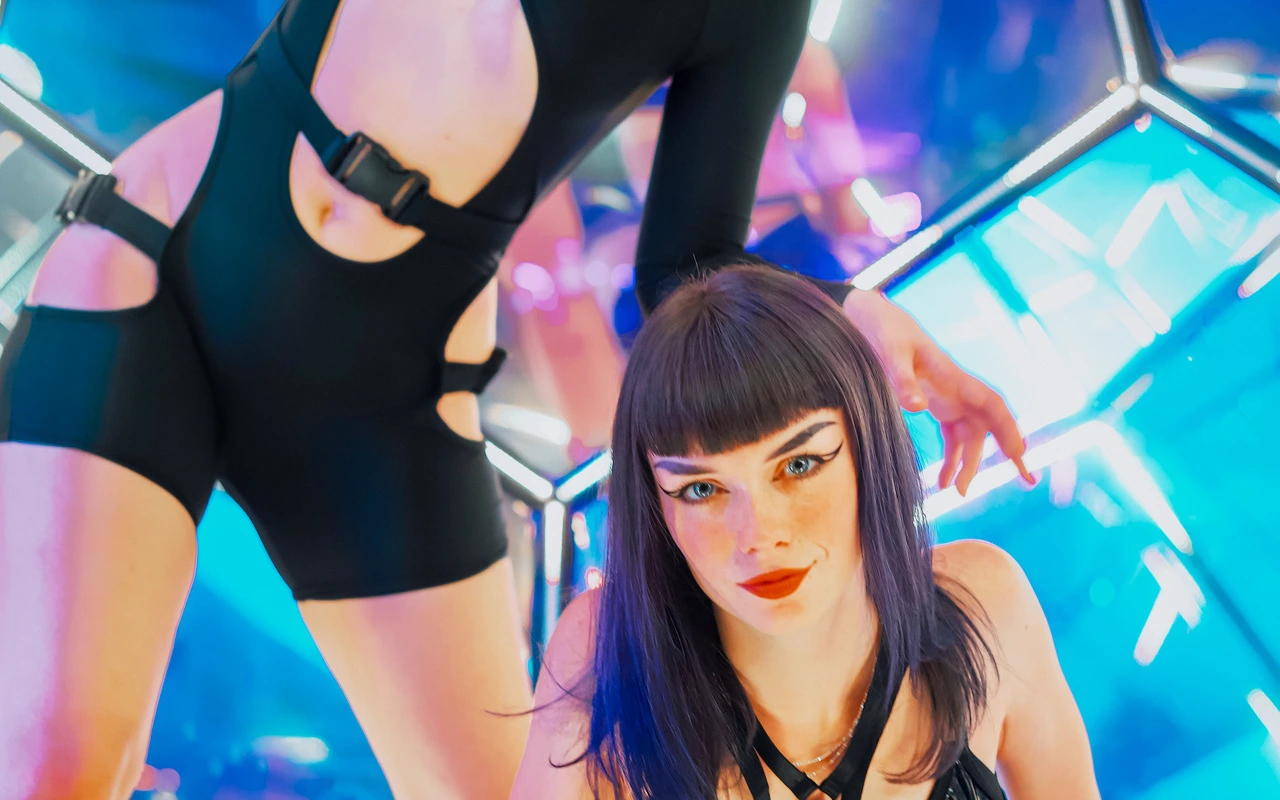
Exposure comes up 0.18, a modest brightening that lands a correctly exposed frame in a higher key. Contrast adds 10, so what reads first is separation in the midtones: clean edges, distinct planes, no muddiness. Highlights are pulled back 20 and shadows lifted 14, a pairing that reclaims detail at both ends of the histogram, keeping whites open and recessed areas textured instead of collapsed. Highlight Rolloff at 38 eases the top shoulder, so bright surfaces settle toward white gradually rather than clipping flat. Temperature sits at -2, a step toward cool too slight to read as a cast, and the grade carries no tint offset at all. Saturation is reduced 10 while Vibrance rises 8, which quietens broad color yet selectively supports the mid-range hues carrying product surface and skin. Bloom adds 3, a light in-app glow. No grain belongs to the grade, and the transform defines neither a curve nor a matrix, so every result comes from these grade parameters alone.
When to choose it
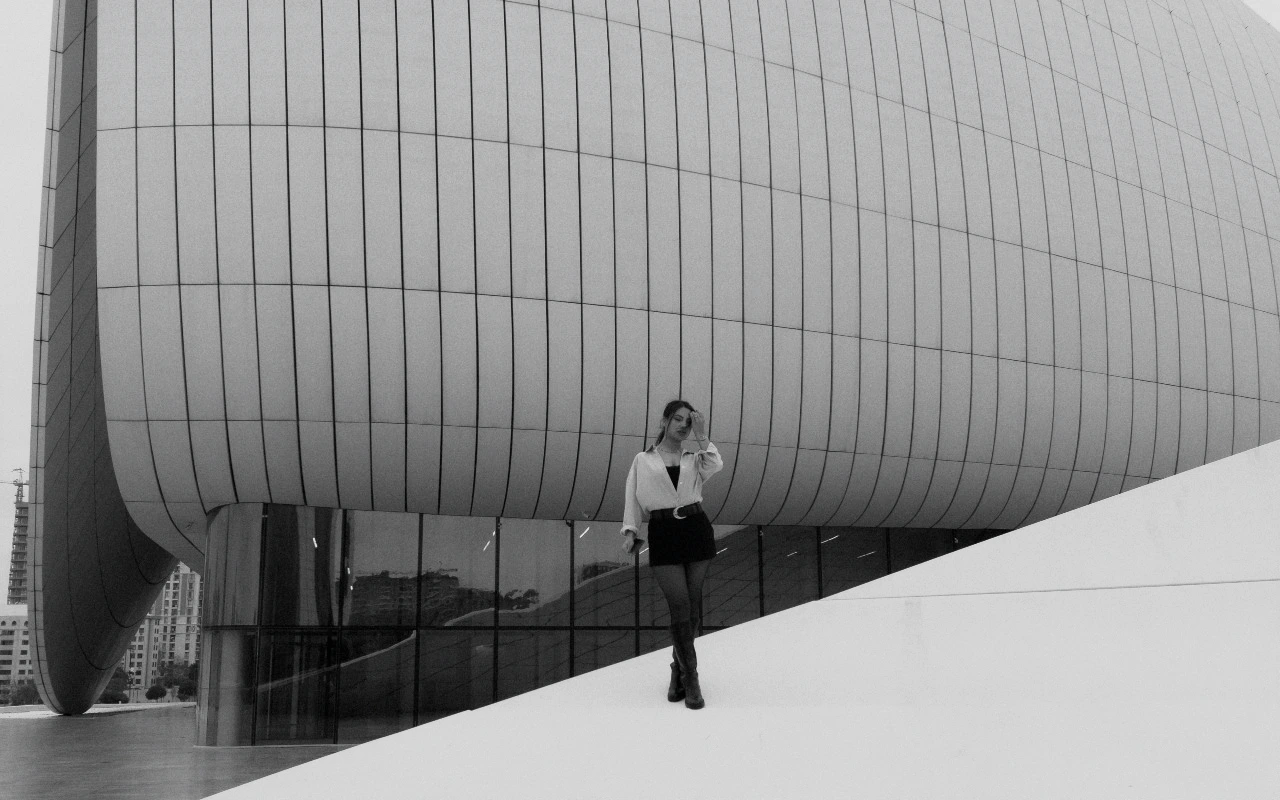
The CineLook Apple Style transform is made for bright, controlled light: a large diffuse key, a white or pale grey sweep, a room bouncing light off every wall. Product work on such a set is its natural home, from brushed metal and glass to matte plastic, printed packaging and screens that have to stay color-neutral. Faces hold up under flat, even illumination, and daylight interiors and architecture take to it because reduced highlights keep pale walls and window reveals from blocking up while lifted shadows let structural detail survive. Scenes built on deep shadow, colored practicals, haze or saturated wardrobe resist the grade; shifted saturation and opened shadows can flatten atmosphere the frame depends on. It fits jobs that are already clean and want a bright, even, neutral finish, and it is a poor match for anything needing mood, color drama or low-key weight.
Working with it in Studio
On opening the Look, a user finds the grade values in the panel: Exposure 0.18, Contrast 10, Highlights -20, Shadows 14, Temperature -2, Saturation -10, Vibrance 8, Highlight Rolloff 38. Adjustment works in small increments. Exposure is nudged in tenths, since the white point is already protected by Highlights at -20 and pulling that control toward zero gives up the open shoulder. When a white sweep reads grey, a degree or two of warmth in Temperature restores neutrality more convincingly than Saturation does. Contrast and Shadows press against each other; for a brighter key, Contrast moves down and Shadows stays put. Bloom 3, Film Grain and Vignette remain app-side effects, while an exported .cube carries only Exposure, Contrast, Highlights, Shadows, Temperature, Tint, Saturation, Vibrance and Highlight Rolloff.
How it compares
Beauty Clean keeps the +14 shadow lift but leaves contrast untouched, holds highlights further at -28, and adds Highlight Rolloff 44, Bloom 8, Temperature +1 and Tint +3, a softer high-key finish beside the firmer Contrast 10 and faintly cool balance of the CineLook Apple Style transform. Beauty Clean suits close skin work; this one, products and rooms. Fashion Editorial reverses the emphasis: Contrast 18, Shadows only +5, Saturation -13, Vibrance 10, Tint +5, Film Grain 9, so tones arrive sculpted and shadow stays deep. Choose it when the frame needs weight and print-like texture, and the CineLook Apple Style transform when it needs openness and even light.
Where it fits in a grade
Apple Style is a standalone creative look rather than a camera negative or a print emulation. With no film stock behind it, it reproduces no capture stage; it attaches to an image that is already balanced, correctly exposed, and close to neutral. Place it late in the chain: primary correction and shot matching first, then the Look, then texture or output sharpening. Going early costs room, because opening the shadow floor and easing the highlight shoulder are moves to make last, once corrections are settled. A neutral base underneath gives a steadier result, since the Look supplies its own soft contrast, quiet saturation, and faint cool lean. Where a shot already carries a strong finish, the lift and rolloff compound instead of clarifying.
Transform parameters
Against a neutral starting point the CineLook Apple Style transform moves exposure +0.18, contrast +10, highlights -20, shadows +14, temperature -2, saturation -10, vibrance +8, bloom +3 and highlight rolloff +38.