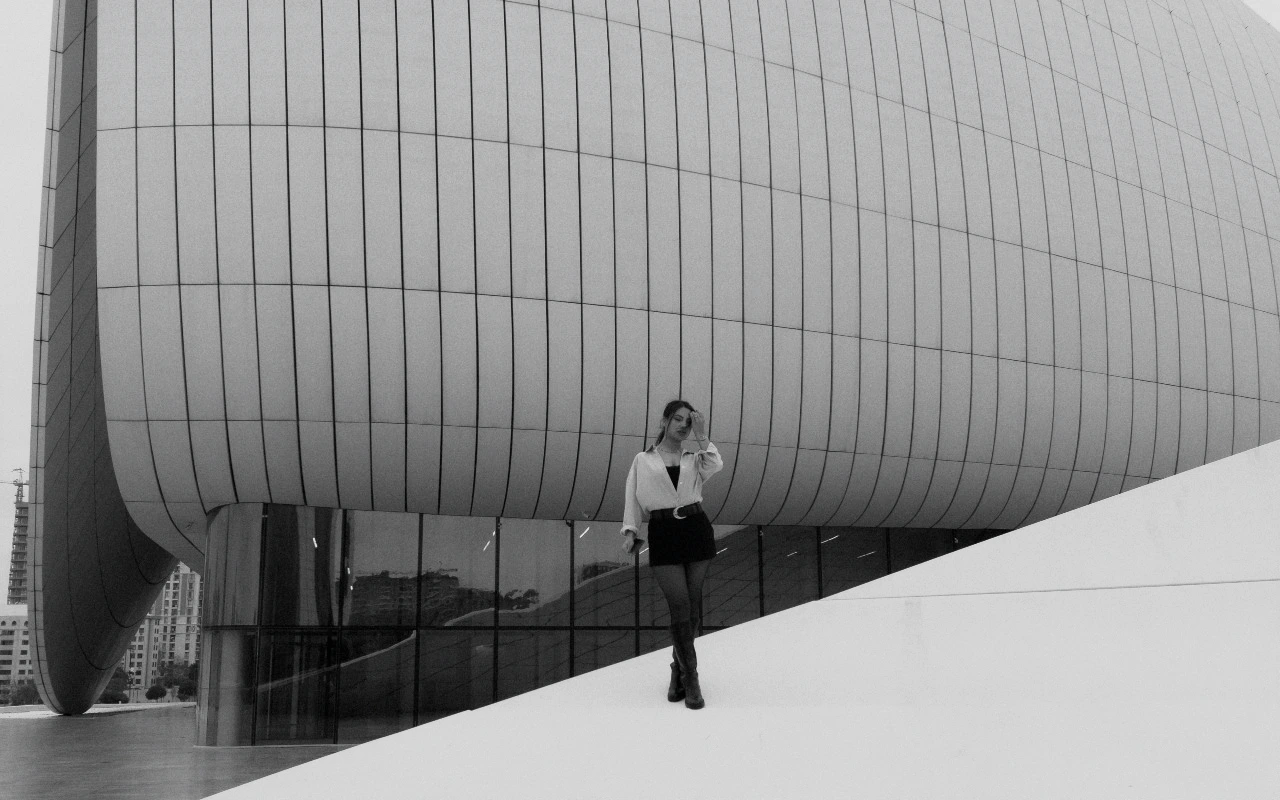
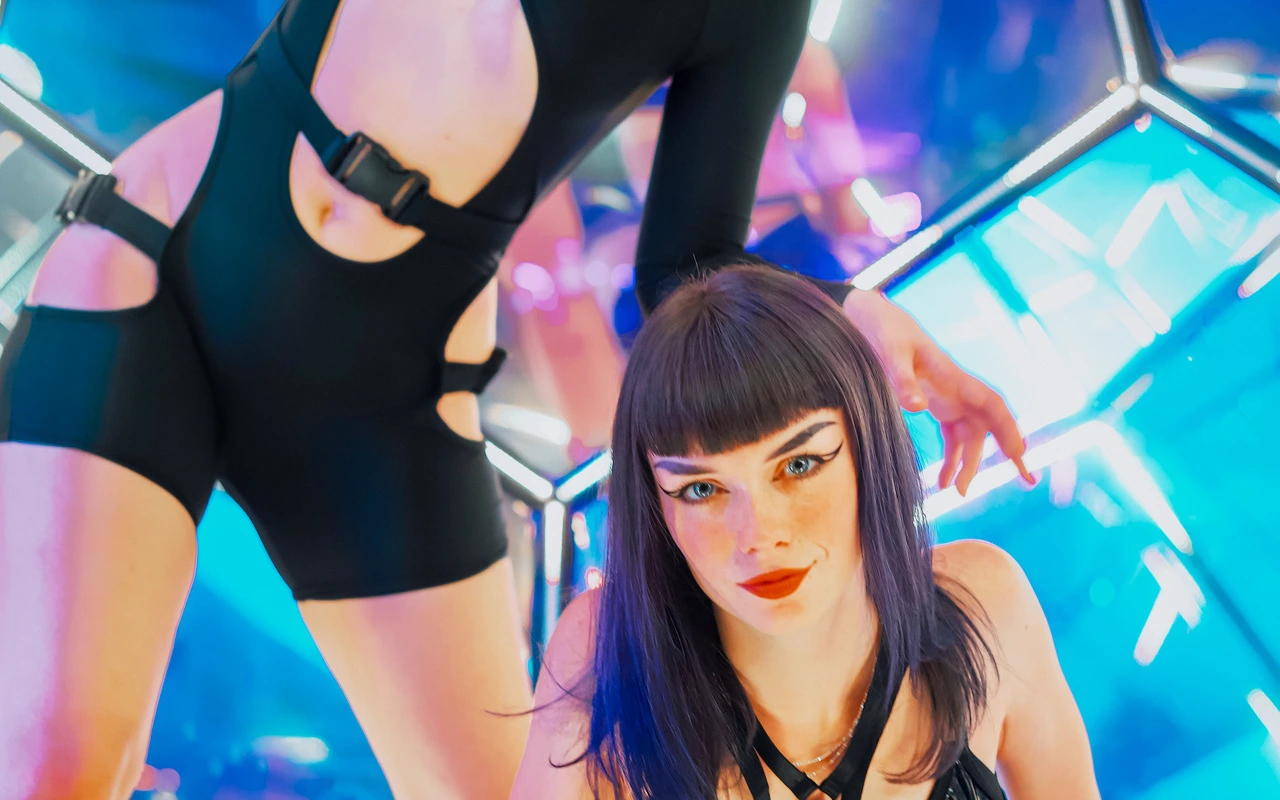
Nike Campaign
Bold contrast and energetic color for movement-led visual storytelling.
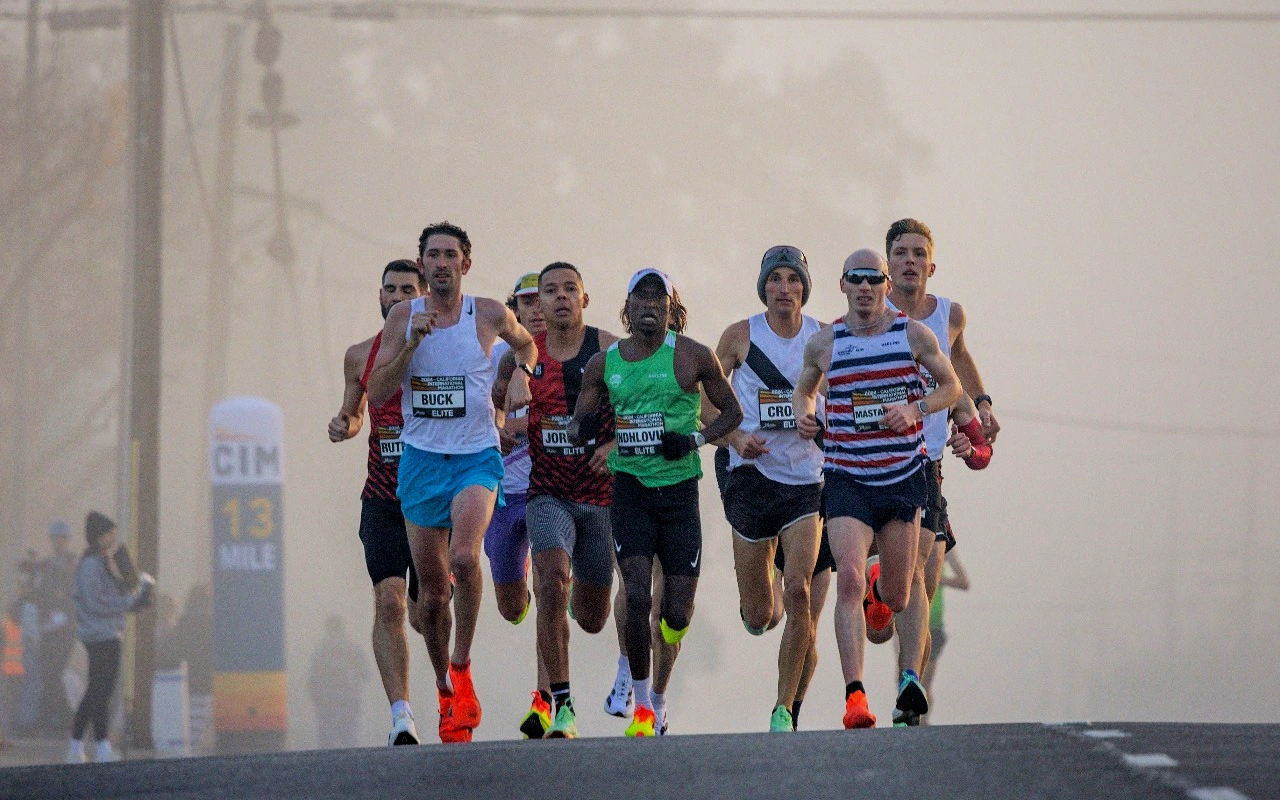
Visual character
Bold contrast for energetic campaigns
Color character
Applied to a frame, the CineLook Nike Campaign transform is built around separation. Contrast is pushed to +31, and much of that separation is won low in the signal, where shadows drop by 24 points while highlights are held back by only 8. The result is a dense, weighty darkness that anchors a subject without flattening the brightest areas into white. Exposure sits at -0.08, a slight overall pull that keeps the deepened toe from reading as lifted black. Color energy comes mainly from vibrance at +24 rather than saturation at +5, so muted fabric, painted surfaces and skin gain richness while already-strong hues are restrained from clipping. No temperature or tint offset is applied, and the transform carries no custom matrix or tone curve, so the look is built entirely from these parameter moves. Grain at 8 lays a light, continuous texture over flat areas, vignette at 18 closes the corners modestly, and highlight rolloff at 20 softens the shoulder into the top end.
When to choose it
Movement-led commercial work is the natural home for this transform: figures mid-stride, dance, sport, any frame where the subject is doing something rather than holding a pose. The grade leans on shadow weight instead of a lift, so it works when the background is darker than the subject and the light already carries direction, such as hard daylight through a window, a single raking key, or a backlit edge separating a silhouette. Texture benefits, too: with vibrance at +24 and grain at 8, fabric weave, concrete, asphalt and skin detail read clearly rather than being smoothed away. Flat, shadowless lighting gives the transform little to bite on, and a low-contrast overcast scene can simply end up dark, so it rewards footage that already has shape. Stills take it as readily as motion. Bright, airy, pastel-led work sits outside its character.
Working with it in Studio
The grade is a starting point. In CineLook Studio, Shadows is the first control to reach for: easing -24 back toward -14 opens lower midtones on darker skin and shadow detail, while pushing toward -30 thickens the frame into something more graphic. Contrast at +31 and that shadow value work as a pair. Highlights can sit near -8 to keep the top end open; drop it further only when a practical or bright sky steals attention. Vibrance at +24 does the color work, leaving Saturation at +5 for a small global nudge. Temperature and Tint arrive untouched, so set them to the scene. Film Grain, Bloom and Vignette stay in the app: a .cube export carries Exposure, Contrast, Highlights, Shadows, Temperature, Tint, Saturation, Vibrance and Highlight Rolloff, so grain and corner falloff stay behind.
How it compares
Contrast runs close across the three, though they diverge fast. The CineLook Automotive Luxury transform uses contrast +29, highlights -19 and shadows -18, adds a temperature of -5, holds grain to 3 and stretches rolloff to 27: a cooler, smoother image with a longer shoulder and less shadow depth, suited to reflective and metallic surfaces. Luxury Commercial is softer again: contrast +24, shadows -12, highlights -16, exposure +0.05, saturation +8 against vibrance +20, grain 2 and a tint of +2 that edges neutral toward magenta. That polished, slightly cool balance favors clean, evenly lit campaign work. Choose either when smoothness, cooler color or a gentler shadow line outranks denser separation.
Where it fits in a grade
As a creative rather than a film-emulation Look, it belongs at the end of a chain, not the start. Balance exposure and white balance first, settle any groundwork the image needs, then apply it as the last transform; styling added above that point tends to muddy the result rather than improve it. Every move in the Look is broad and global, so it treats any image the same way and keeps results consistent across a set. A neutral base is the natural pairing: correct plainly, apply the Look over that corrected image, and leave further stylistic choices to the base. Where a project wants a filmic finish, that belongs before this step, not after.
Transform parameters
Against a neutral starting point the CineLook Nike Campaign transform moves exposure -0.08, contrast +31, highlights -8, shadows -24, saturation +5, vibrance +24, film grain +8, vignette +18 and highlight rolloff +20.