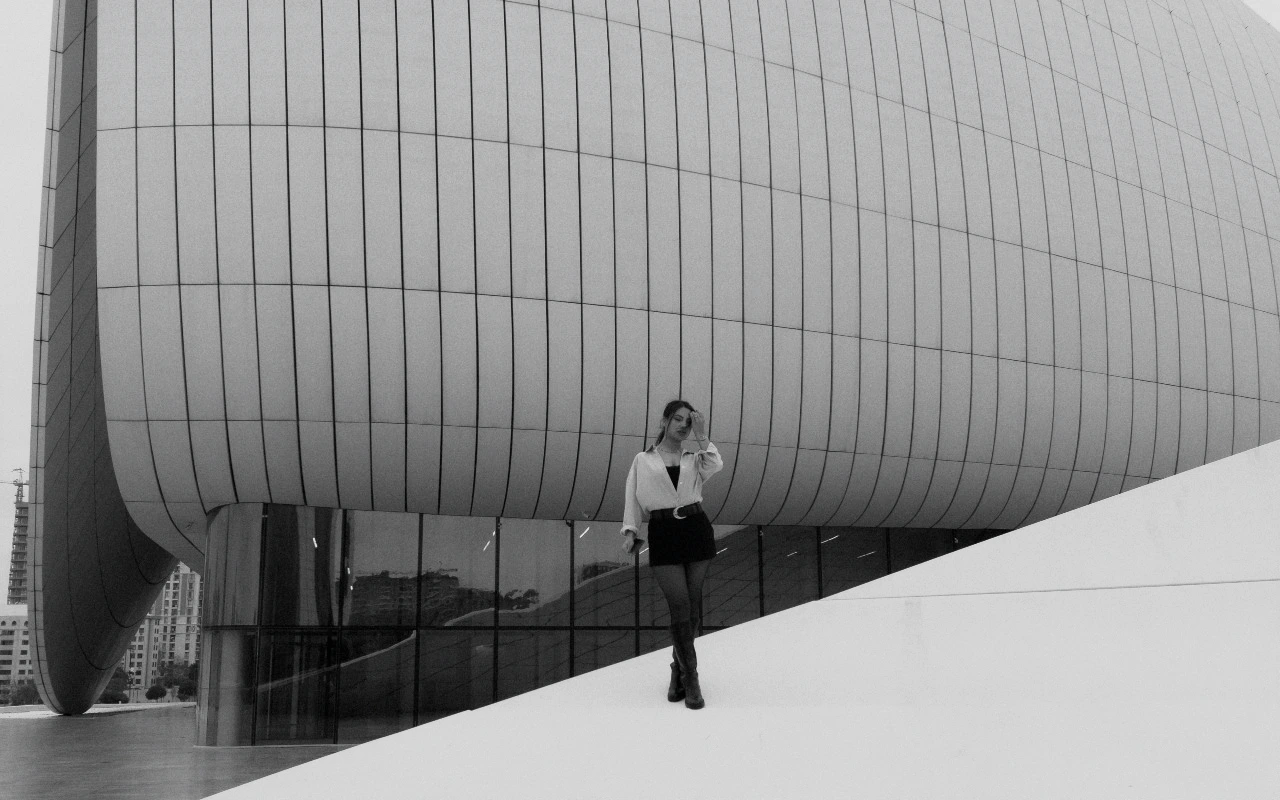
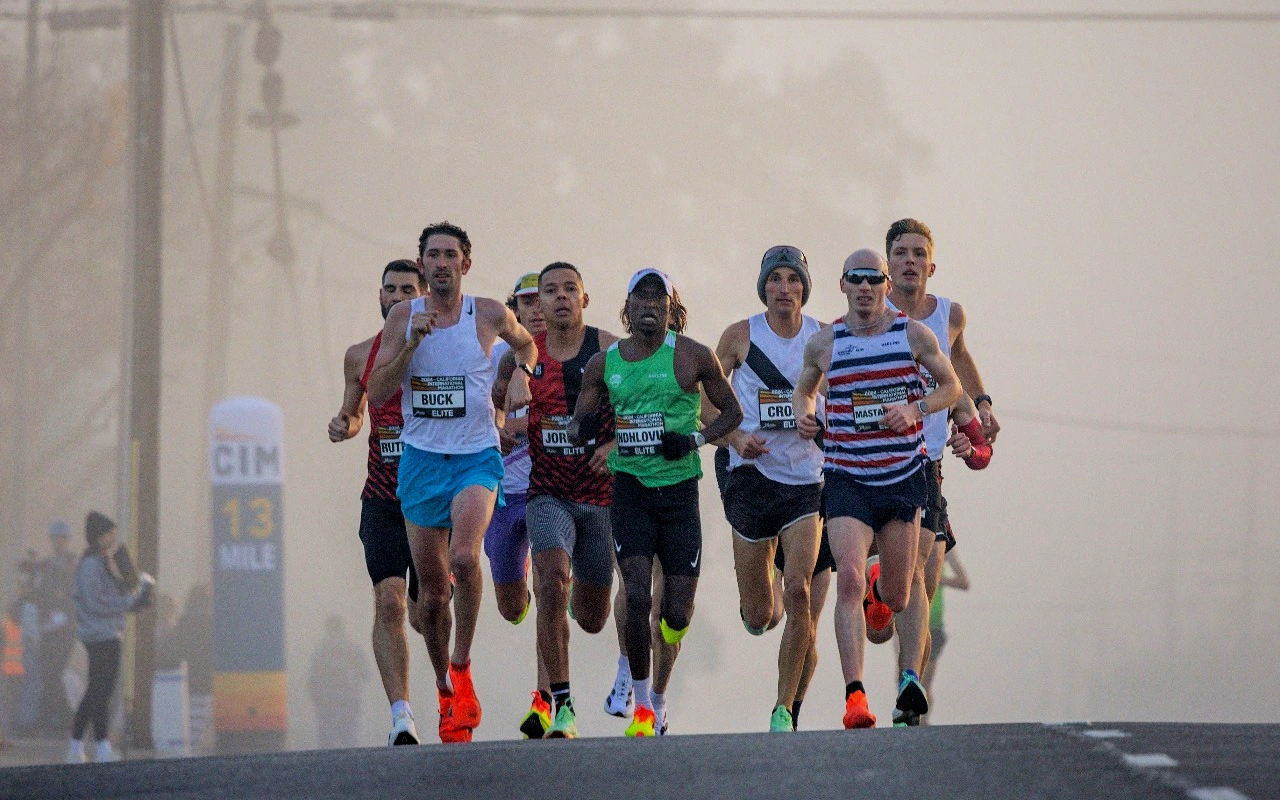
Fashion Editorial
Sculpted skin, restrained color, and a contemporary magazine finish.
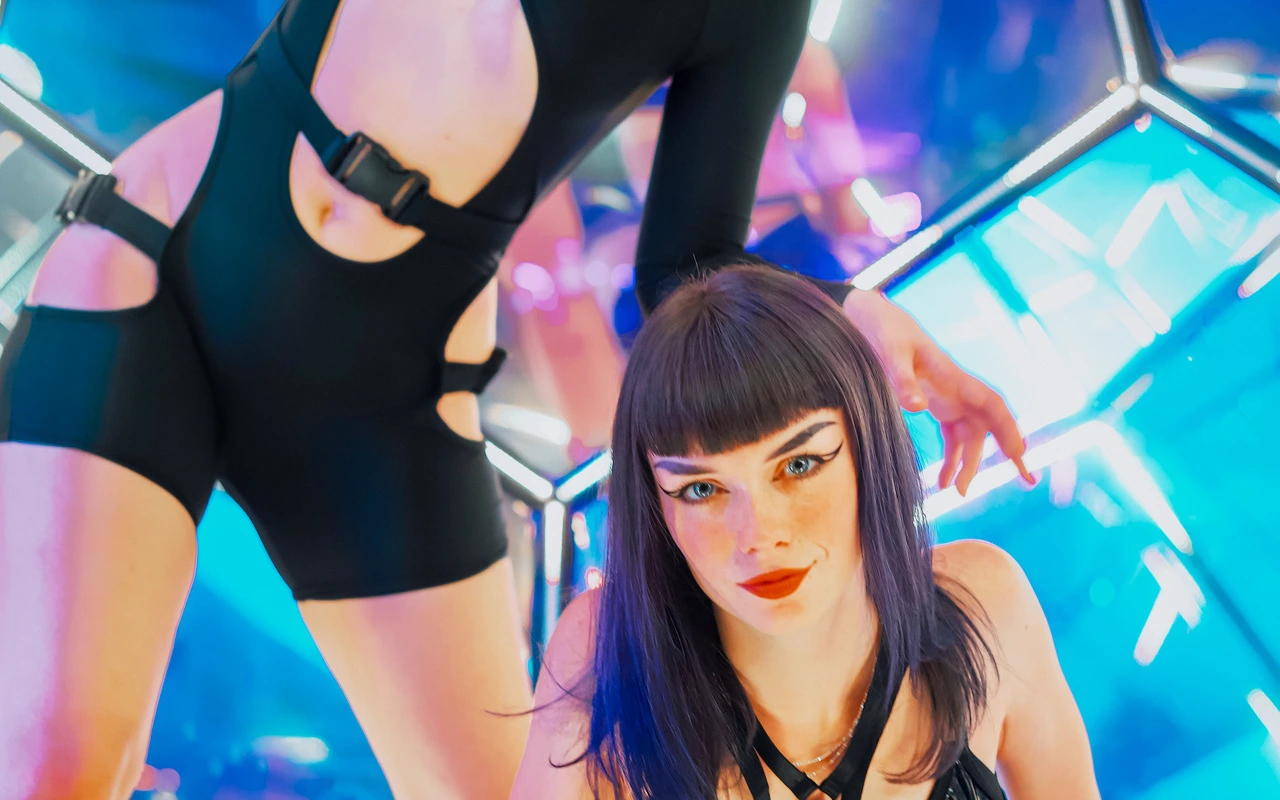
Visual character
Sculpted tones for magazine imagery
Color character
The CineLook Fashion Editorial transform lifts exposure by 0.14 of a stop, then builds shape rather than brightness. Contrast climbs 18 points, so midtones separate and faces acquire a modeled, dimensional quality. Skin reads sculpted rather than evened out, so a face keeps its shape even when the image runs small. Highlights are pulled down 24 points, holding shoulder detail and pale fabric in place; shadows rise only 5 points, which keeps the lower end dense enough to feel deliberate. Saturation drops 13 points while vibrance gains 10, a pairing that quiets loud color without flattening the hues that survive: skin, muted tailoring and painted sets stay distinct. A tint of +5 leans the balance gently toward magenta, which counters the sallowness heavy desaturation can introduce. Highlight rolloff at 35 softens the approach to clipping, bloom at 7 adds a light halation around speculars and catchlights, and grain at 9 supplies a fine, restrained texture. Tone and color balance carry the look; no curve or matrix stage is defined.
When to choose it
Controlled light is where this transform earns its keep. Studio strobe, soft window light and other shaped sources give the contrast boost something to hold, and skin with direction and falloff carries the sculpted quality built into the grade. Editorial sittings suit it: a model against seamless paper, a wardrobe story where fabric textures read separately, a portrait where the face sits forward of the background without artificial separation. Neutral and muted palettes respond well, since the 13-point saturation cut removes little that matters while vibrance keeps the remaining color alive. Sittings built on saturated or patterned styling can lose energy here, and high-key setups short on shadow detail will feel the dense lower end. Mixed practical and uncontrolled outdoor scenes are workable but less reliable, since the 24-point highlight hold and restrained shadow lift assume the frame has shape.
Working with it in Studio
Open the image, apply the Look, check exposure first: the built-in 0.14 stop lift can feel like a step too far on bright frames. Contrast, Highlights and Shadows shape the finish most; move them in small steps to keep the relationship the grade establishes, because pushing Contrast past 18 makes the 24-point highlight hold read as accidental. Saturation at -13 against vibrance at +10 is deliberate, and raising one alone pushes color toward washed or loud. Temperature and Tint refine the neutral axis, though the +5 tint is slight enough to leave alone. A .cube LUT export carries Exposure, Contrast, Highlights, Shadows, Temperature, Tint, Saturation, Vibrance and Highlight Rolloff; Film Grain at 9, Bloom at 7 and Vignette stay inside the app, so bake them into a render when needed.
How it compares
Both siblings live in commercial territory, and the split is about how much shadow a frame can hold. Apple Style opens to 0.18 with contrast at 10 and shadows lifted 14, its -2 temperature keeping highlights cool and even; Fashion Editorial goes to 18 contrast with shadows up only 5, so faces gain shape where Apple Style keeps them open. Beauty Clean pushes the other way, holding highlights at -28, shadows at 14 and rolloff at 44 for a bright, continuous skin finish. Choose Apple Style for bright product and technology frames, Beauty Clean when faces must stay luminous, and Fashion Editorial when structure matters more than openness.
Where it fits in a grade
Fashion Editorial models no film stock, so treat it as a standalone creative look rather than a camera negative, a finishing print or a reversal source. That places it at the end of a pipeline: normalize white balance and exposure first, settle any base correction, then apply the Look as the step that sets the image's finish. Stacking it over an already-stylized grade spends the headroom its highlight behavior assumes and doubles down on contrast. Because the transform works through tone and color balance alone, it pairs well with a neutral base that leaves midtones room to shape. Sequence it after cleanup and before output sharpening, and keep that order when previewing so what you judge is what you finish.
Transform parameters
Against a neutral starting point the CineLook Fashion Editorial transform moves exposure +0.14, contrast +18, highlights -24, shadows +5, tint +5, saturation -13, vibrance +10, film grain +9, bloom +7 and highlight rolloff +35.