Beauty Clean
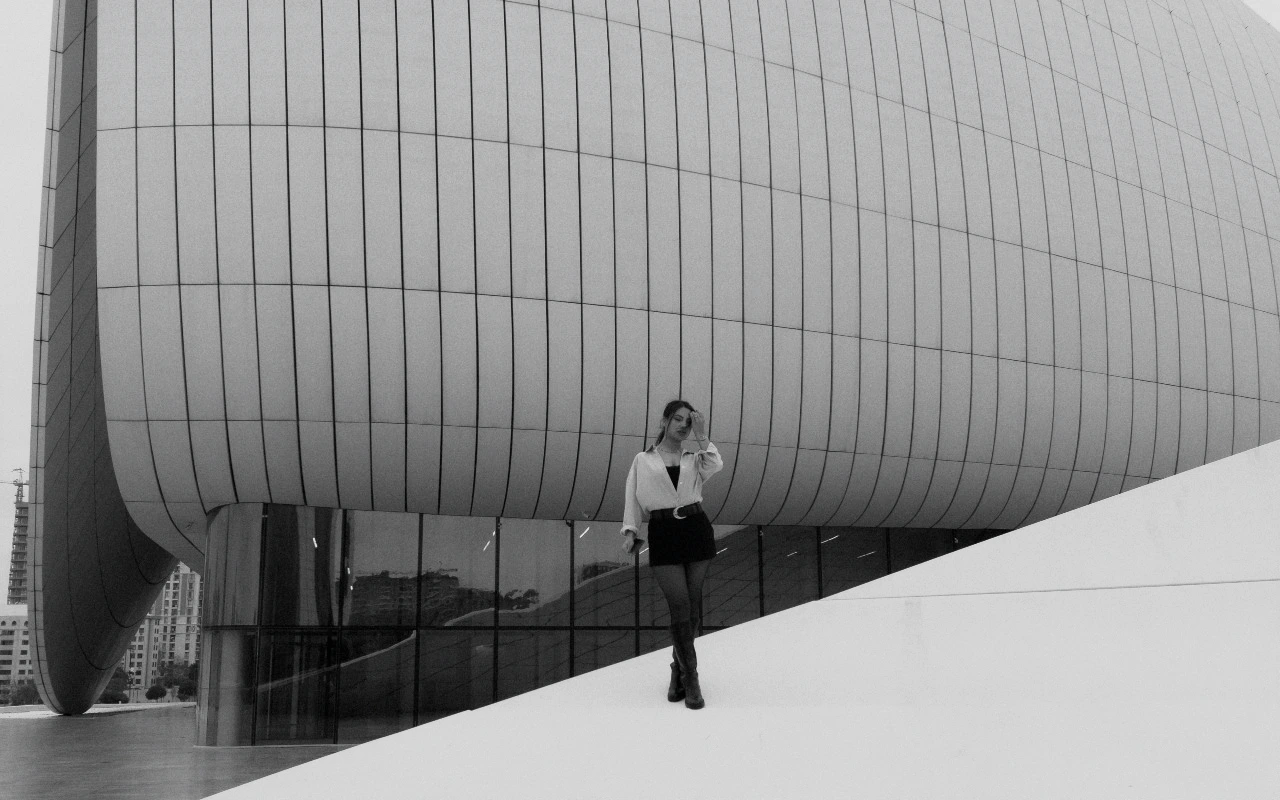
Luminous skin tones with soft contrast and pristine color fidelity.

Visual character
Neutral high-key skin finish
Color character
Beauty Clean adds a fifth of a stop of exposure, then works mainly at the two ends of the tonal range. Highlights come down by 28 and shadows rise by 14, which softens contrast and keeps skin detail readable well after a harder grade would have begun to block up. Temperature moves one point warm and tint three points toward magenta: small corrections that stay invisible on their own but keep complexions from reading cold or green. Saturation drops by 8 while vibrance rises by 8, so strong colors recede and muted ones step forward, the reverse of a punchy commercial treatment. The overall read is neutral and high-key, with luminous skin against a quiet palette. Bloom at 8 puts a faint glow into the top of the range, and highlight rolloff of 44 stretches the final steps into white across a longer shoulder. No grain is part of the grade, so texture stays as the lens recorded it. No matrix or curve stage is defined either; the character comes entirely from those numeric values.
When to choose it
It fits scenes where the subject's face is the point of the picture and the light is already generous: beauty and skincare stills, cosmetic close-ups, portraiture on white or pale seamless, and product frames where a model sits beside packaging. Large diffused sources, bounce fill and bright window light give it plenty to work with, since the gentle highlight recovery and lifted shadows have little to correct in an evenly lit scene. The small warm and magenta offsets hold skin away from cold against neutral backdrops without pushing the surrounding set off color. Deep, black-backed frames suit it less; the shadow lift and bloom will thin those blacks. Material that already carries fine texture survives intact, because the transform adds no grain. It is a commercial finish rather than a dramatic one, and it expects the frame to supply the brightness.
Working with it in Studio
In CineLook Studio the grade arrives ready to use, so adjustments stay small. Exposure moves the frame; since the transform already adds 0.2 of a stop, ease it down when skin nears clipping. Highlights and Shadows are the two levers worth revisiting: more highlight recovery protects sheen on skin, while easing the 14-point shadow lift restores depth in dark hair. Contrast is free, since the transform does not set it, and a small push can firm up a flat setup. Temperature and Tint begin slightly warm and magenta; small moves stay natural. Leave Saturation and Vibrance near their starting values. Film Grain, Bloom and Vignette stay inside the app; the .cube export carries Exposure, Contrast, Highlights, Shadows, Temperature, Tint, Saturation, Vibrance and Highlight Rolloff, so the bloom of 8 needs matching elsewhere.
How it compares
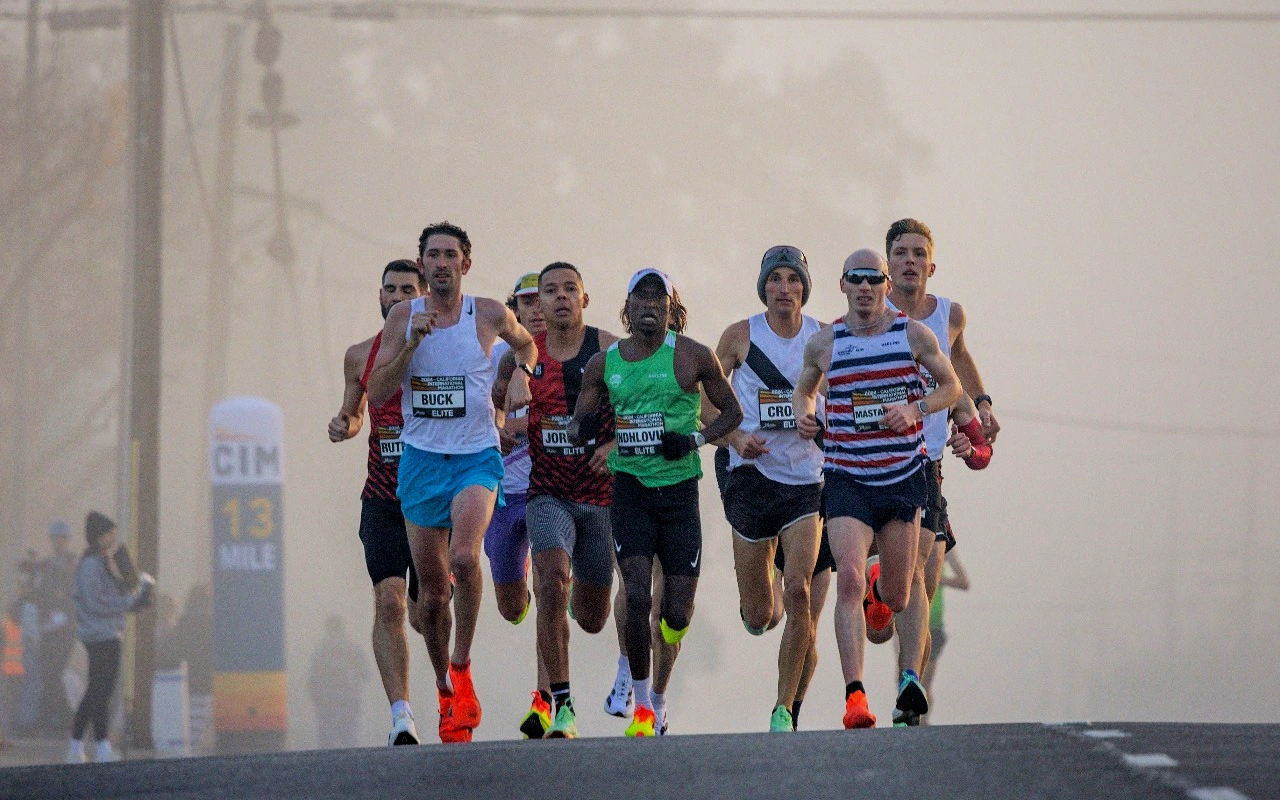
Apple Style sits near Beauty Clean: exposure 0.18 against 0.2, highlights -20 against -28, the same 14-point shadow lift, and a temperature of -2 where Beauty Clean holds +1. It also carries 10 points of contrast and a lighter bloom of 3, so it reads crisper and more clinical, well suited to hardware and technology frames. Fashion Editorial moves the other way: contrast 18, shadows only 5, saturation -13, tint 5, grain 9 and rolloff 35. It is the choice when the brief wants sculpted, weightier tone and visible texture; the CineLook Beauty Clean transform, when the face must stay luminous and contrast soft.
Where it fits in a grade
Beauty Clean is a standalone creative look rather than a film stock, so it belongs at the end of the chain: after exposure and white balance are settled, after any base correction, and after retouching has changed the skin. Its tonal endpoints are already set by the raised shadows and pulled highlights, so anything stacked on top tends to fight it rather than complete it. Paired with a neutral base that has resolved the frame's brightness, it supplies only the finish, and it is meant to be applied once, last, right before export. Material that needs weight or tighter blacks is better served by choosing a different look from the start.
Transform parameters
Against a neutral starting point the CineLook Beauty Clean transform moves exposure +0.2, highlights -28, shadows +14, temperature +1, tint +3, saturation -8, vibrance +8, bloom +8 and highlight rolloff +44.