Cine Noir
Monochrome tension with dense blacks and silver-toned highlights.
Visual character
Monochrome shadows and hard contrast
Color character
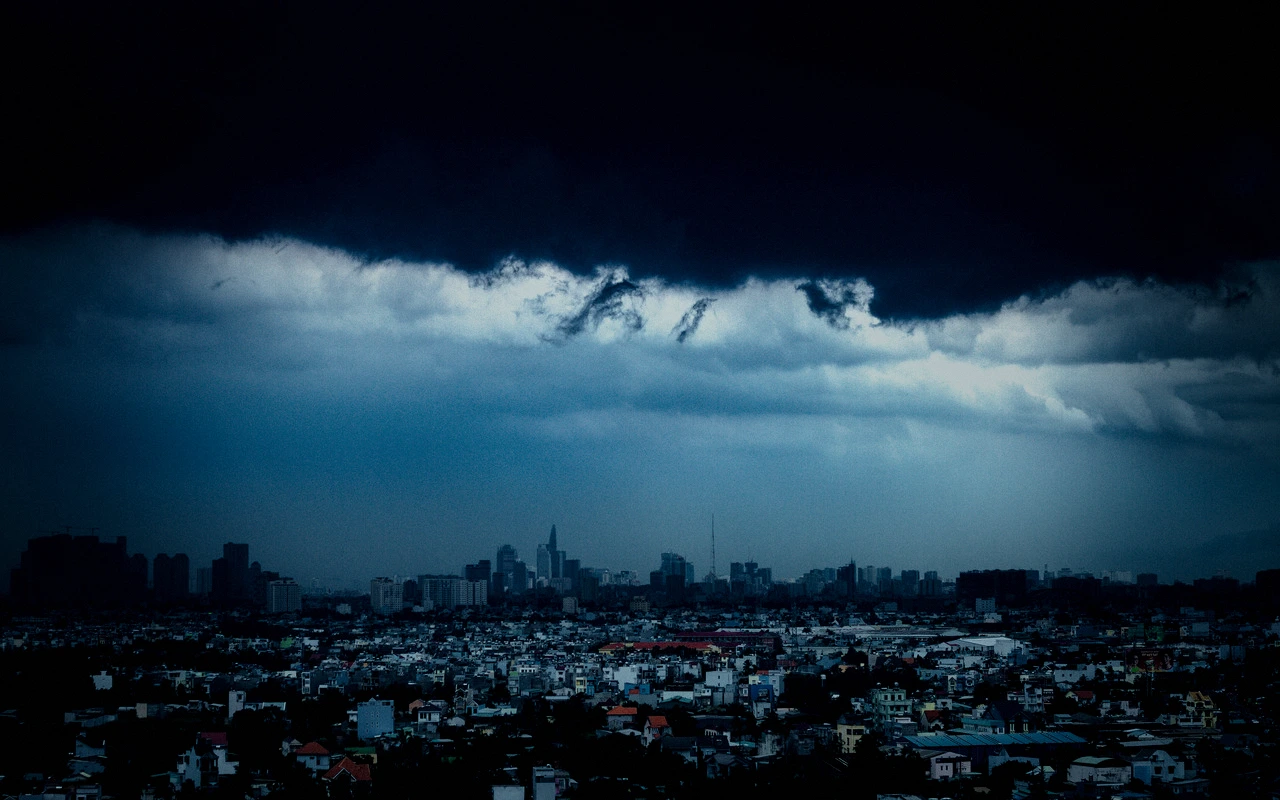
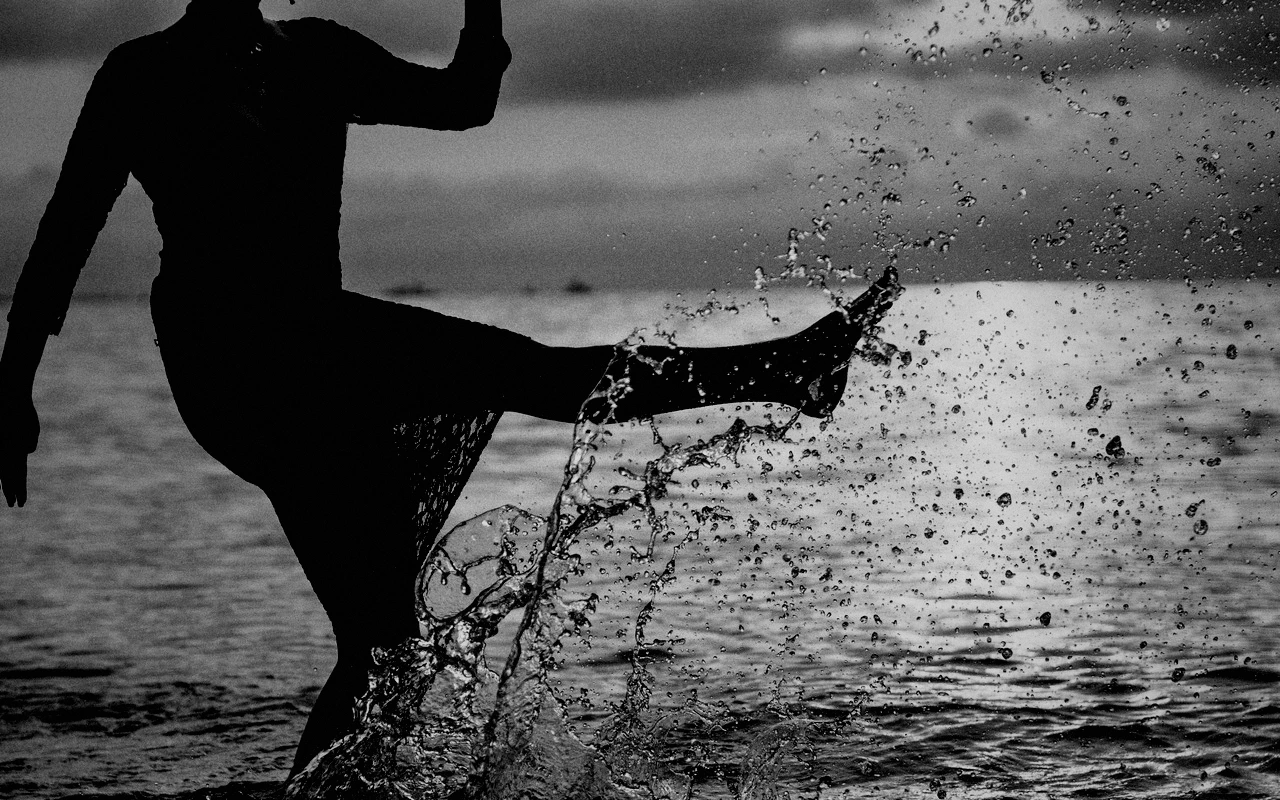
The CineLook Cine Noir transform removes color outright: saturation is set to -100, so every frame is built from luminance alone. Contrast is pushed to +38, the largest value in the grade, which separates the ends of the tonal range and gives the image its hard edge. Because color is gone, adjacent values have to separate on density and edge contrast by themselves. Highlights are pulled to -18 while highlight rolloff sits at 22, so bright areas settle into silver tones instead of climbing toward white. Shadows are deepened to -28, and the low end gains weight from that pull. Exposure rests at -0.2, a little under neutral. Temperature is nudged six points cool, a small bias that keeps the neutrality from feeling warm. Grain is set at 22, visible in flat midtones and skies without taking over. Bloom is held to 4, so highlights glow only faintly. A vignette of 28 darkens the corners and closes the frame.
When to choose it
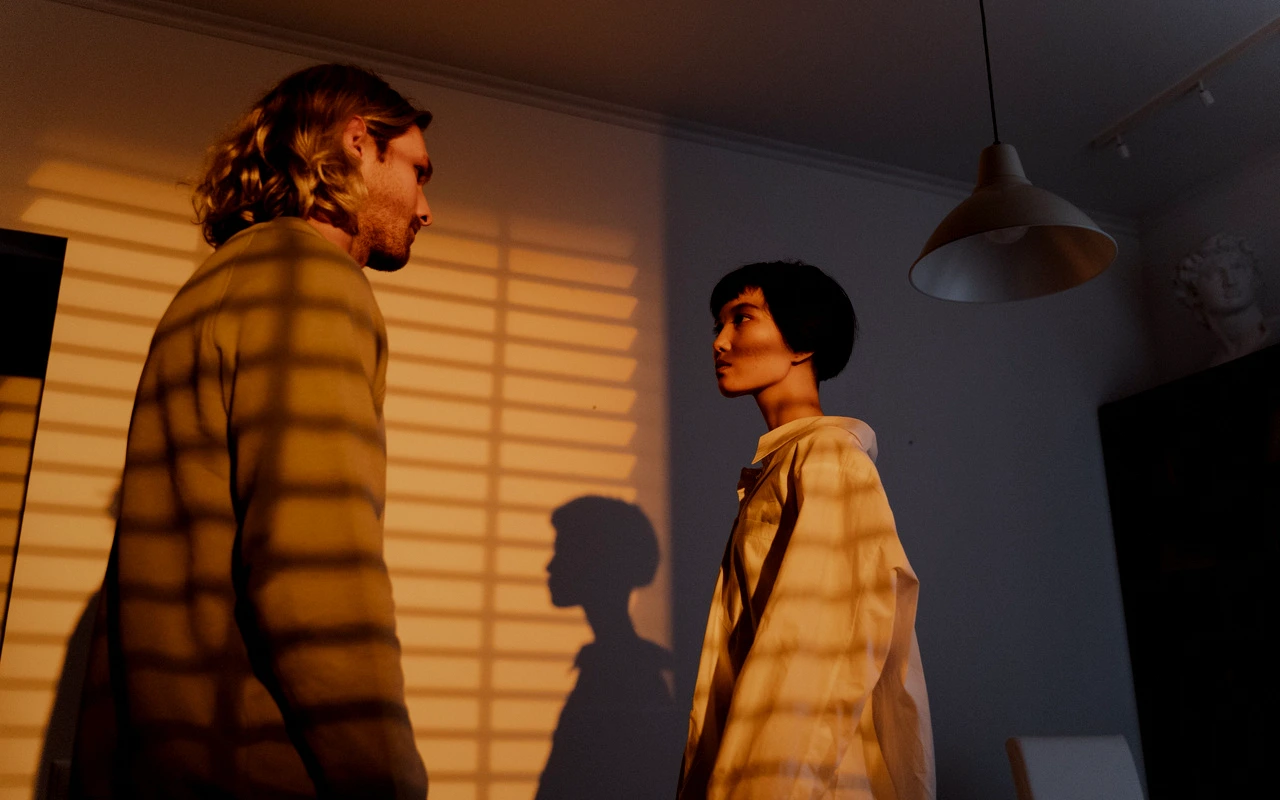
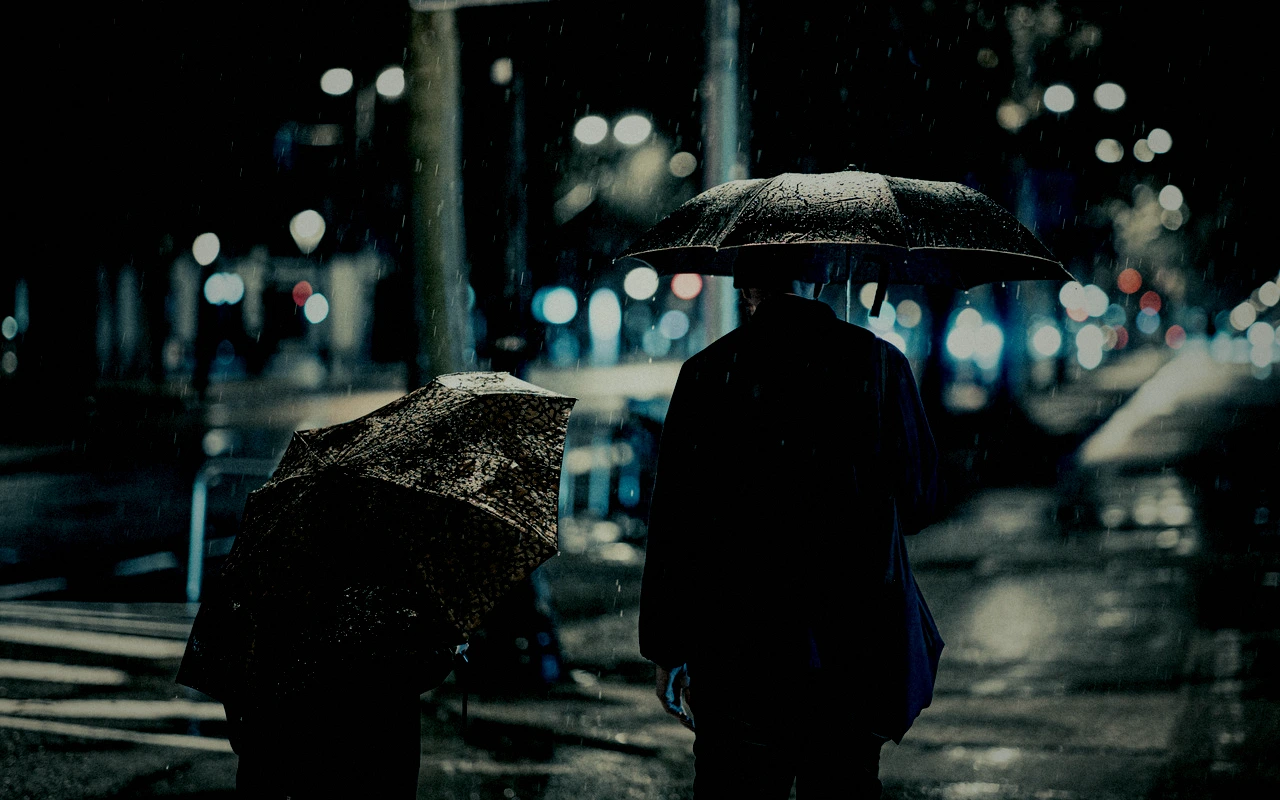
Cine Noir suits material where color carries no information and shape has to do the work. Night exteriors, single-source lighting and hard directional light play to the -28 shadow pull and +38 contrast, turning falloff into structure. Rain, wet pavement, smoke and window shadows survive a monochrome conversion because they are already tonal. Interiors lit by one practical, corridors, stairwells, doorways and faces half in shade are natural territory. Concrete, glass, chrome, wet asphalt and dark tailoring hold up; anything whose appeal depends on hue will lose it at saturation -100, so wardrobes and sets should be chosen for value contrast rather than color. The look is weaker under flat, even, high-key light, where the dense shadows have nothing to shape, and the vignette at 28 crowds corners that were already bright.
Working with it in Studio
In CineLook Studio, start with Contrast, since +38 does most of the separation, and ease it back if faces lose their shape. Shadows at -28 and Highlights at -18 set the weight of both ends; lifting Shadows a little recovers detail in dark clothing, and lowering Highlights further makes the silver tones heavier. Saturation already sits at -100, so leave it unless a trace of color is wanted, at which point it is no longer monochrome. Temperature at -6 keeps the neutral cool; moving it warmer will tint the midtones. Raise Highlight Rolloff above 22 before pushing Exposure. Film Grain 22, Bloom 4 and Vignette 28 stay inside the app. An exported .cube carries Exposure, Contrast, Highlights, Shadows, Temperature, Tint, Saturation, Vibrance and Highlight Rolloff, so grain and vignette must be matched separately.
How it compares
Cine Noir runs saturation -100 at contrast +38; its siblings take the frame in different directions. Dark Thriller keeps some color at -25 saturation, drops exposure to -0.35 and pushes shadows to -37 with a vignette of 36, so it reads darker and more crushed while a trace of hue survives. Crime Scene keeps more color: contrast 30, saturation -14 with vibrance +12, temperature -18 and a tint of 11, leaving a cool frame colored rather than silver. Choose Dark Thriller when the frame should feel buried in shadow but not monochrome; choose Crime Scene when a subject has to stay legible in color under cool procedural light.
Where it fits in a grade
Cine Noir is a genre look rather than a film emulation, so it belongs at the end of the chain. Sequence it after exposure and white balance are settled and after the underlying image has been corrected, because removing saturation this late will erase color decisions made earlier rather than preserve them. Treat it as the final creative statement: apply it to the corrected image, then limit further work to small contrast and shadow adjustments. If a finishing print Look is still to come, place Cine Noir before it and expect the print to soften the shadow separation. Where the source is already monochrome, the Look adds contrast and weight rather than a new color response, so check the black point before committing.
Transform parameters
Against a neutral starting point the CineLook Cine Noir transform moves exposure -0.2, contrast +38, highlights -18, shadows -28, temperature -6, saturation -100, film grain +22, bloom +4, vignette +28 and highlight rolloff +22.