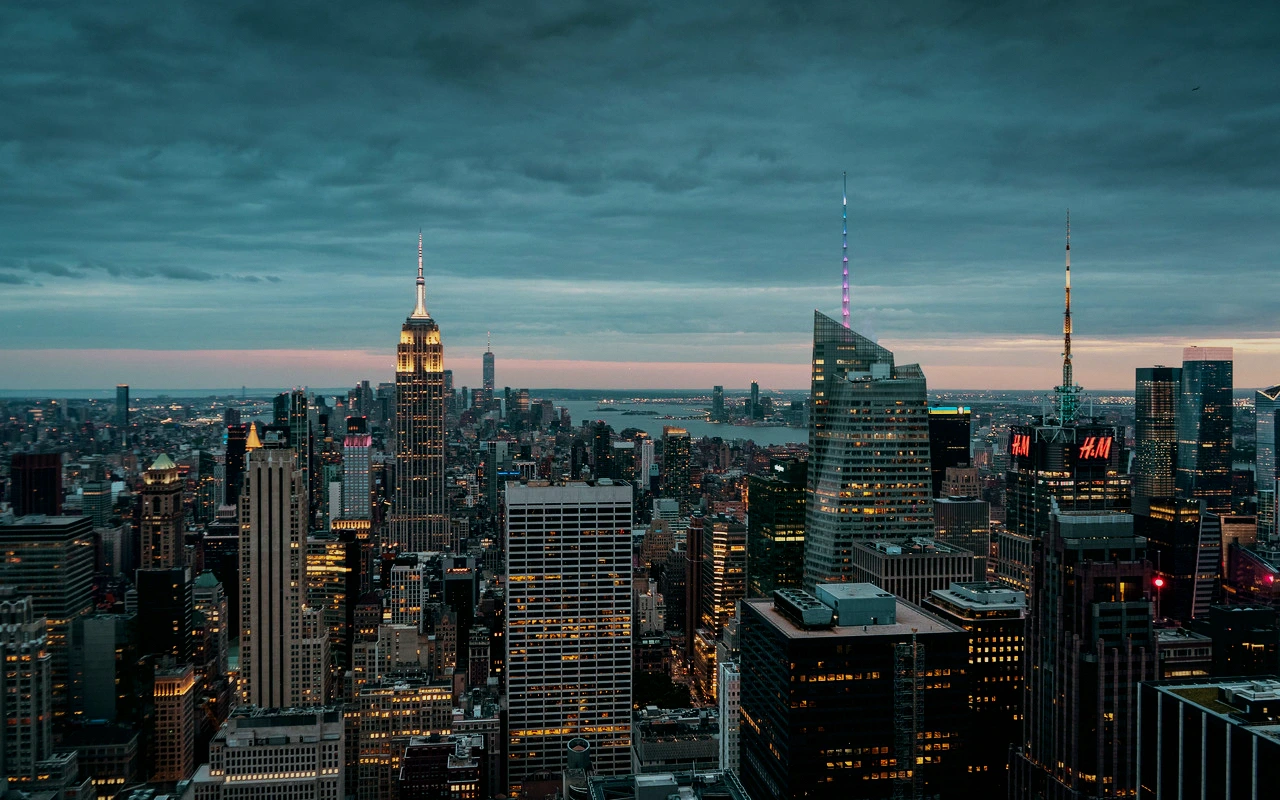
Fuji 3513 Print
CineLook release-print transform designed for deeper projection density, firmer midtone contrast, stronger red-magenta response, and compact highlights.
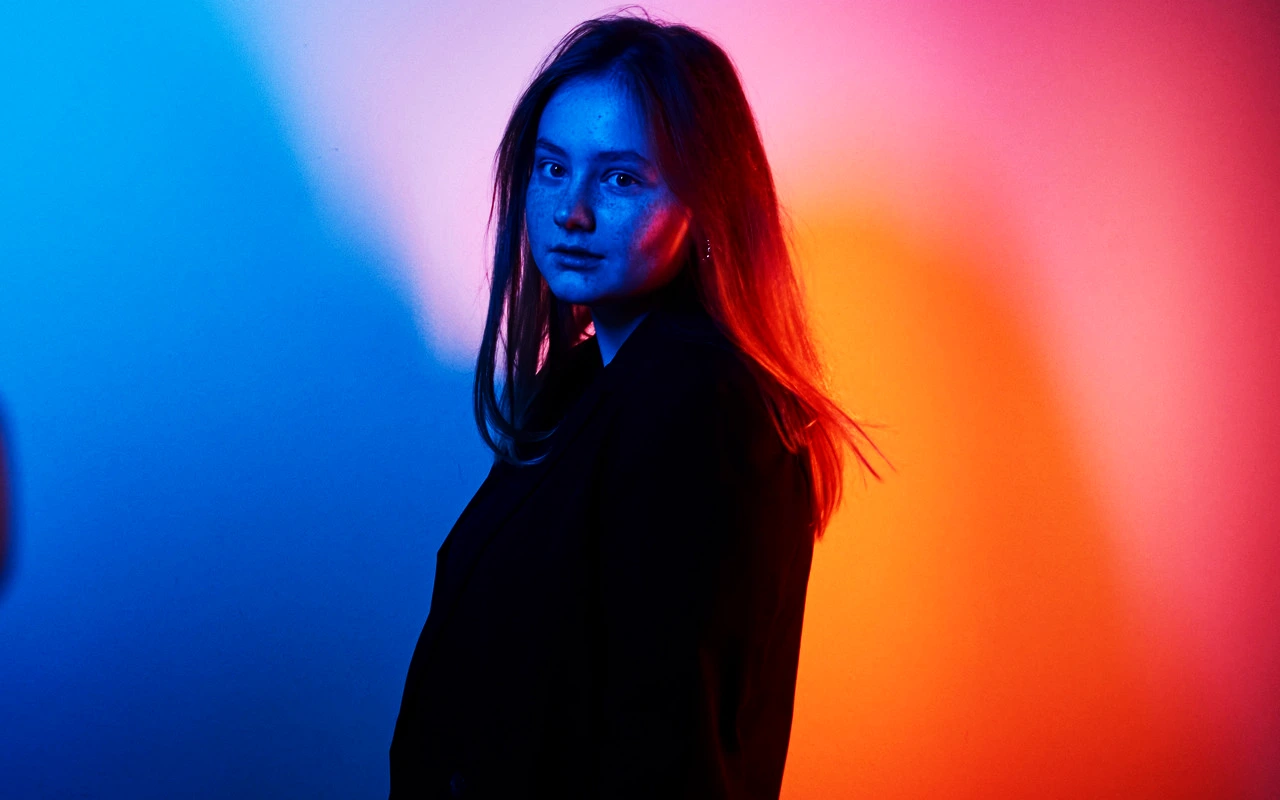
Visual character
Deep projection density with firm red-magenta contrast
Best for
- Dense projection finishing
- Firmer dramatic midtones
- Red-magenta accent separation
Lighting conditions
- Contrast-controlled masters
- Night interiors with color accents
- Compact highlight delivery
Color character
The CineLook Fuji 3513 Print transform adds density rather than brightness. Its curve pulls shadows down by 0.06 and midtones by 0.01, so blacks settle firmly and the middle register gains weight. Highlights move up by 0.055, which holds the bright end compact instead of letting it open into airy white. Read together, those numbers describe high contrast with dense shadow and highlight responses, and the frame feels pressed and solid rather than luminous. Color balance leans red-magenta: those hues separate more strongly from surrounding color, while skin tones stay protected and do not drift along with the accent. Saturation concentrates in that direction instead of rising evenly across the palette. Midtones carry only a slight downward shift, so the contrast comes from the shadow end pulling harder than the middle. Grain character is medium, leaving texture visible across flat areas without turning coarse or reading as digital noise. The transform finishes an image that is already close, firming its decisions rather than rebuilding them.
When to choose it
Reach for this transform when the master already holds its contrast and needs finishing weight, not rescue. It is built for dense projection finishing, where deeper blacks and a firm middle register give the image presence on a large screen. Night interiors with colored accents suit it well: the red-magenta emphasis pulls signage, practicals and wardrobe away from cooler surroundings without dragging skin tones along. Because the highlight response is dense, scenes with compact, controlled bright areas such as small windows, lamps and specular edges finish cleanly. Open backlight and broad blown sky sit heavier here, which some projects want and others do not. The firm midtone contrast favors dramatic material; flat, low-contrast coverage gives the transform little to anchor on, and gentler documentary work may prefer a lighter base.
Working with it in Studio
In CineLook Studio, place the midtone with Exposure first, then use Contrast and Highlights to decide how much of the built-in density to keep. Shadows opens the black end without erasing the transform's weight, and Highlight Rolloff sets how abruptly the bright end compacts. Temperature and Tint move the red-magenta bias toward neutral or further into accent, while Saturation and Vibrance set how loudly those hues separate. Film Grain, Bloom and Vignette are applied in the app and do not travel with a .cube LUT export, so a shot that leans on them needs those settings reproduced in a later session. Exposure, Contrast, Highlights, Shadows, Temperature, Tint, Saturation, Vibrance and Highlight Rolloff do carry through that export, so the LUT preserves the grade's central decisions.
How it compares
Two sibling print transforms sit close by. The CineLook Kodak 2393 Print transform also runs high contrast with dense shadows, but its grain is fine and its highlights are neutral, and it separates warm color vividly instead of pushing red-magenta. Choose it when a frame needs warmth and finer texture without added highlight density. The CineLook Fuji 3510 Print transform is the lighter sibling: medium contrast, neutral shadows, soft highlights, fine grain, open cool-neutral mids and clean cyan-blue separation. Pick 3510 instead when the material is already dark or delicate, when cool separation matters more than projection weight, or when the density here would close the shadows too far.
Where it fits in a grade
A finishing print Look sits at the end of the chain, never at the start. With no in-camera balance and no speed rating, it cannot stand in for the negative or set exposure when shooting; it lands after a base negative or a color-corrected image has fixed its own exposure and white point. Because contrast is high and both ends of the scale respond densely, treat it as the last density decision, replacing a further contrast move rather than stacking with one. A base that stays neutral in color and is not already pushed hard into either end leaves it room to work, and any creative grade belongs earlier. Sequenced that way, it closes a grade instead of crowding it.
Transform parameters
The CineLook Fuji 3513 Print transform leaves every adjustment slider at its neutral value and carries the look in its colour transform instead. Its channel matrix keeps the 1.025 / 1.025 / 1.032 diagonal and mixes at most 0.036 of one channel into another, so hues stay close to their source while crosstalk stays controlled. The luma curve sits 0.055 above the linear ramp at three-quarter tone, which is where the shoulder starts to bend.