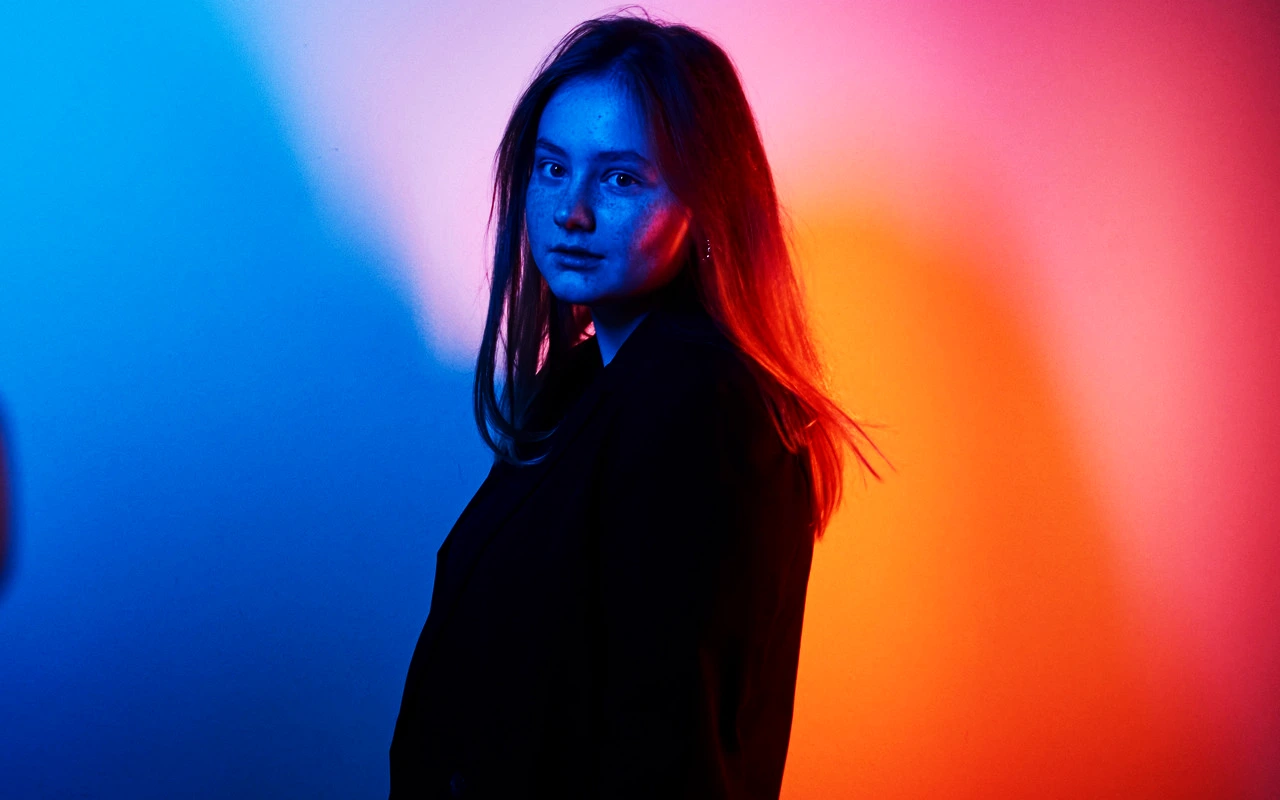
Kodak 2393 Print
CineLook release-print transform designed for modern color density, firm blacks, vivid warm hues, and clear high-saturation separation.

Visual character
Modern dense color with vivid warm separation
Best for
- Modern theatrical delivery
- Saturated production design
- Vivid red and yellow separation
Lighting conditions
- Contemporary cinema masters
- High-chroma scenes
- Clean projection highlights
Color character
The CineLook Kodak 2393 Print transform is a curve grade rather than a matrix grade: the profile carries a three-point curve and no color matrix, so density and tone do the work. Shadows fall by 0.045, mids rise by a marginal 0.005, and highlights lift by 0.06. The combination produces firm, dense blacks while leaving the middle nearly untouched, so midtone separation survives and the image reads high contrast without a crushed center. The top end stays neutral rather than tinted, which keeps projection highlights clean. Color runs vivid and warm, with reds and yellows separating clearly at high saturation and skin tones held in a protected bias. Grain is fine, present as texture rather than graininess. A finishing-print transform by role, it shapes how a graded image lands rather than how it was shot, giving modern color density: weight at the bottom, air at the top, saturation held in distinct hues.
When to choose it
Reach for this transform when the frame already carries color and the finish only needs to hold it. Saturated production design is the natural home: painted sets, wardrobe in strong primaries, signage, practicals, any scene where reds and yellows must stay distinct instead of drifting toward orange. Contemporary cinema masters suit it because the restrained midtone lift and neutral highlight behavior leave a modern digital capture looking finished rather than retro. High-chroma scenes gain from the high contrast and the dense shadow seat, which give saturated color a dark ground to sit against. It also holds up where projection highlights need to stay clean, since the top end opens by 0.06 without picking up a cast. Less useful for flat, desaturated footage or soft available-light interiors that depend on gentle highlight rolloff for their mood; the firm blacks will feel insistent there.
Working with it in Studio
Start with Exposure, which sets the overall seat; because shadows sit at -0.045 and highlights at +0.06, small moves change how much of that separation you see. Contrast deepens the character already built in, and Shadows is the useful counterweight when the dense blacks close too far on a dark scene. Highlights pulls back the open top end without erasing it. Temperature and Tint steer the warm bias, while Saturation and Vibrance decide how far the red and yellow separation is pushed. Highlight Rolloff softens the shoulder if the 0.06 lift turns brittle on bright practicals. Film Grain adds surface texture, and Bloom and Vignette change how the frame is read on screen. Those three stay inside the app: export the .cube LUT once the grade is settled, and they will not travel with it.
How it compares
Against Fuji 3510 Print, the split sits at both ends. The 3510 runs medium contrast with soft highlights and neutral shadows; this transform runs high contrast, seats the shadows dense, and lifts the top end by 0.06. Where the 3510 keeps cyan-blue separation open, this Look pushes warm reds and yellows. Against Fuji 3513 Print, both are high contrast and dense in shadow, but the 3513 closes its highlights and carries medium grain, while this one holds the top end neutral with fine grain. Pick the 3510 for cool, gentler material; pick the 3513 for density at both ends and coarser texture. The 2393 renders warm, dense color.
Where it fits in a grade
Treat it as the last step, not the first. A finishing print Look is made to land on an image whose color is already settled, so it belongs after a base negative Look or a color-corrected still rather than at the head of the chain. The dense shadow response sets the sequencing rule: recover the shadow detail worth keeping before the transform goes on, because the blacks close over it afterward. The neutral highlight response lets it follow earlier highlight work without arguing with it, and the fine grain will not double texture already added upstream. Pair it with a neutral base and leave the contrast work to the finish.
Transform parameters
The CineLook Kodak 2393 Print transform leaves every adjustment slider at its neutral value and carries the look in its colour transform instead. Its channel matrix keeps the 1.045 / 1.030 / 1.045 diagonal and mixes at most 0.025 of one channel into another, so hues stay close to their source while crosstalk stays controlled. The luma curve sits 0.06 above the linear ramp at three-quarter tone, which is where the shoulder starts to bend.