Hollywood Blockbuster
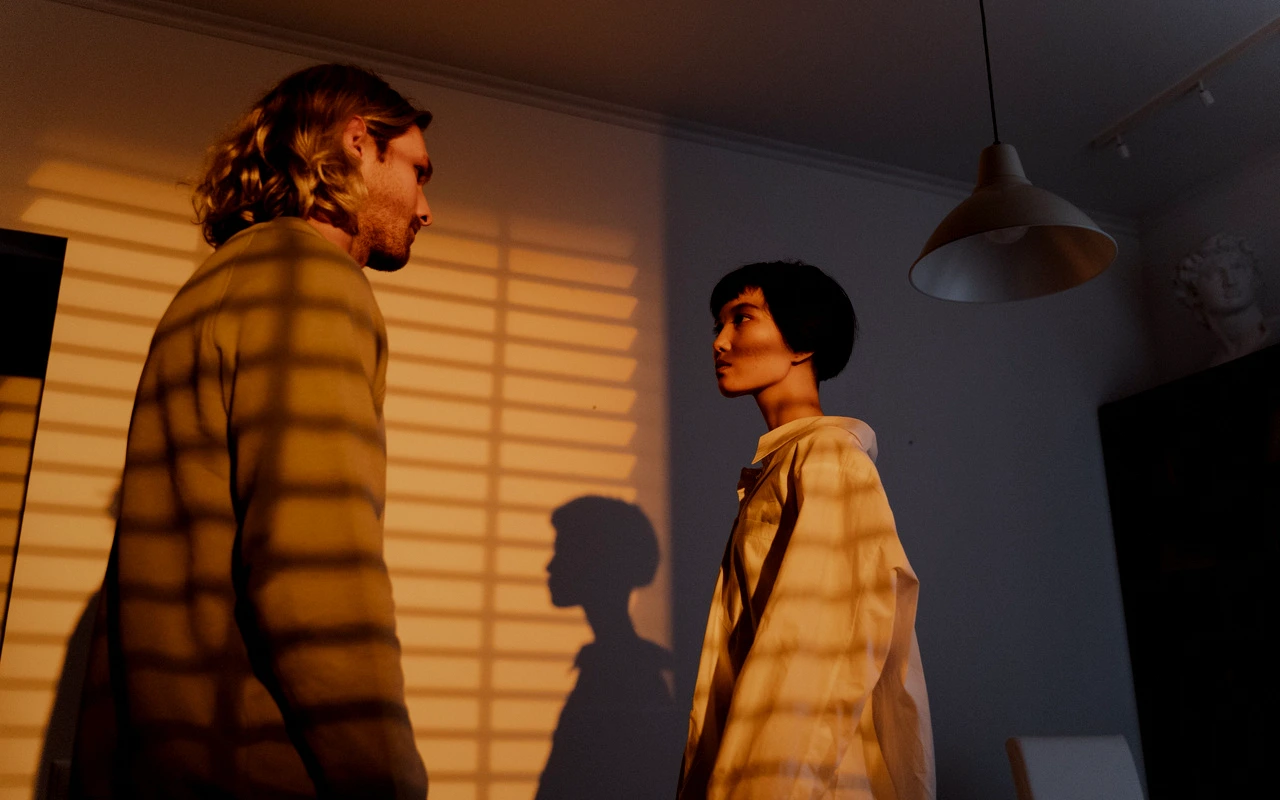
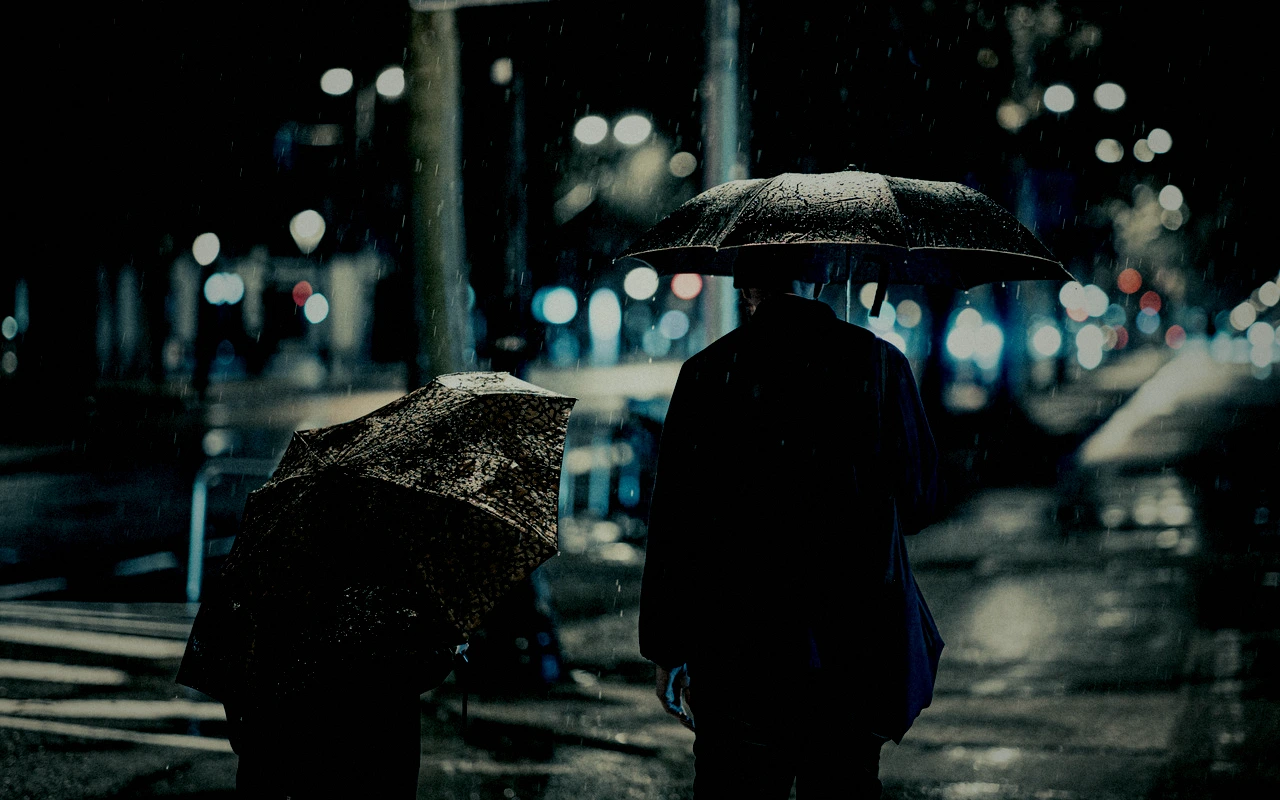
High-impact separation with cinematic warmth and cool shadow detail.
Visual character
Bold separation and dramatic contrast
Color character
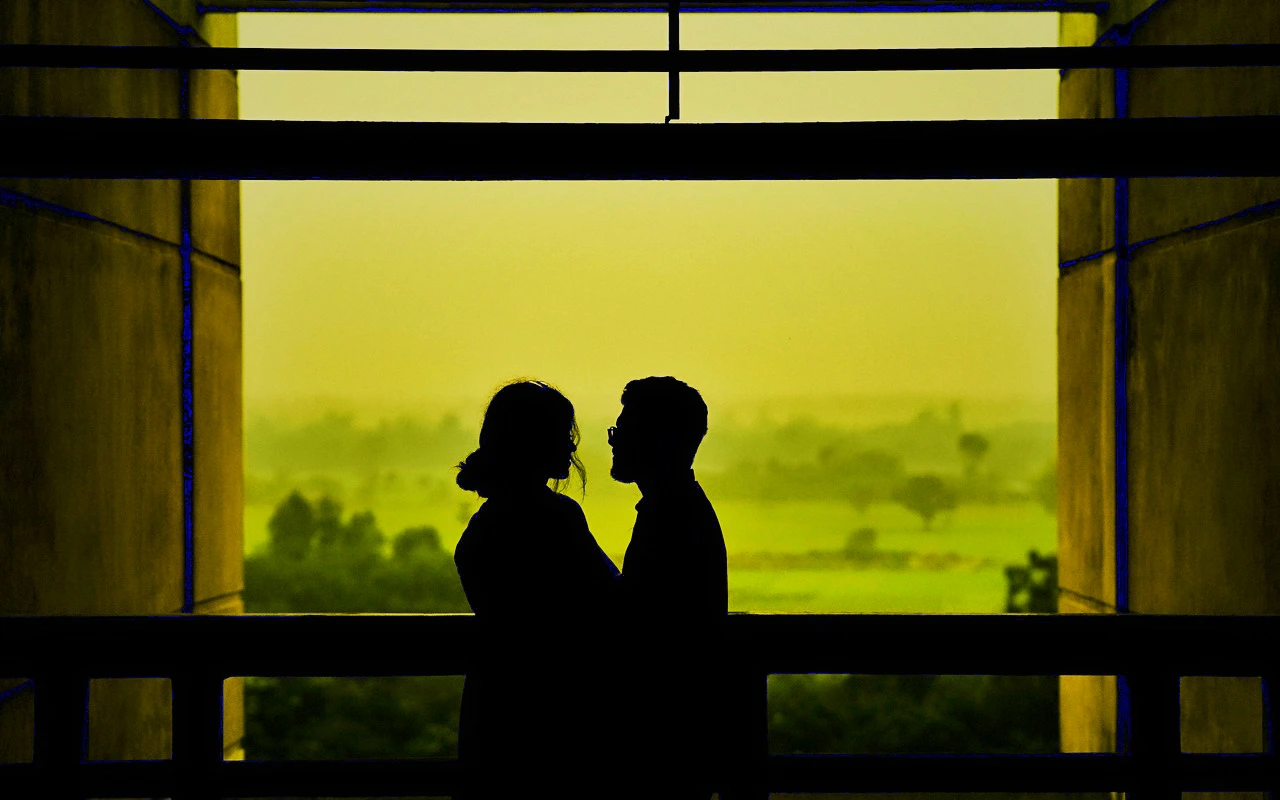
The CineLook Hollywood Blockbuster transform builds its drama from contrast and tonal placement rather than from a channel matrix. Contrast is set at 27 while highlights sit at -17 and shadows at -21, which compresses both ends of the range: bright areas hold detail instead of clipping, and dark areas settle deeply without collapsing into flat black. Because highlights and shadows are reduced together, midtones stay open while the extremes pull apart, and that is where the separation comes from. A highlight rolloff of 25 softens the shoulder where the reduced highlights meet the upper midtones. Color balance leans warm, with temperature at 9 and tint at -4, pushing skin and practical light toward amber while holding a slight correction away from green. Saturation gains 13, but vibrance gains 25, so muted colors lift more than already-saturated ones. Grain sits at 8 for visible texture rather than heaviness, bloom at 9 adds a faint halo around speculars, and a vignette of 17 darkens the frame edges. Exposure is essentially untouched at -0.08.
When to choose it
The transform suits material that already carries strong directional light and needs subjects pulled cleanly off the background: backlit exteriors, night interiors lit with practicals, and wide shots where a busy frame must read in layers. Because shadows sit at -21, scenes that lean on shadow information for mood (a face half in darkness, a shaft of light through a window) keep that structure instead of flat black. Reduced highlights at -17 make it forgiving of hot practicals, windows and specular metal that would otherwise pull the eye. Skin benefits from the warm temperature and a vibrance-led lift that reaches muted fabric and set dressing before it touches already-saturated color. Grain at 8 stays light enough for clean digital capture and for close-ups where texture should not dominate. Low-contrast frames give it little to separate and may simply look darker.
Working with it in Studio
In CineLook Studio each component of the grade is a starting point, not a fixed result. The .cube export carries Exposure, Contrast, Highlights, Shadows, Temperature, Tint, Saturation, Vibrance and Highlight Rolloff, so those values can be adjusted before export and travel with the file. Film Grain, Bloom and Vignette stay app-side, applied to the working image, outside the export. Lowering Contrast from 27 toward the high teens is a common move when skin dominates the frame; recover with Highlights rather than lifting Shadows, already at -21. If warm skin turns too orange, take a few points off Temperature and nudge Tint toward positive. Vibrance carries a larger share of the color lift at 25, so reducing Saturation first keeps tonal separation intact. Leave Rolloff at 25 unless reduced highlights read abruptly.
How it compares
Modern Drama keeps contrast at 15 against 27, pulls highlights to -24, leaves shadows nearly open at -6 where this Look takes them to -21, and sets saturation at -12 rather than 13. Pick it when the image should stay quiet and natural, skin protected and shadow detail more important than punch. Crime Scene moves the other way: exposure -0.22 instead of -0.08, shadows -30, temperature -18 rather than 9, tint 11, grain 19 against 8, and vignette 31 versus 17. The picture reads colder, darker, grittier. Choose Crime Scene for low-key procedural tension; keep Hollywood Blockbuster when warmth and color lift carry the frame.
Where it fits in a grade
This Look carries no film stock reference, so it reads as a creative, genre-level statement rather than a capture emulation, and it belongs near the end of a grade. Sequence it after exposure and white balance are settled and after any base negative, camera transform, or technical correction has normalized the image. Applied earlier, its contrast-led separation is difficult to judge, because later adjustments keep moving the warmth and shadow structure it builds. Treat it as a final statement rather than a starting point. Pair it with a neutral base: keep the input close to technically correct so the mood comes from the Look instead of stacking onto an image that already pushes contrast.
Transform parameters
Against a neutral starting point the CineLook Hollywood Blockbuster transform moves exposure -0.08, contrast +27, highlights -17, shadows -21, temperature +9, tint -4, saturation +13, vibrance +25, film grain +8, bloom +9, vignette +17 and highlight rolloff +25.